How to Certify an Email in 3 Steps
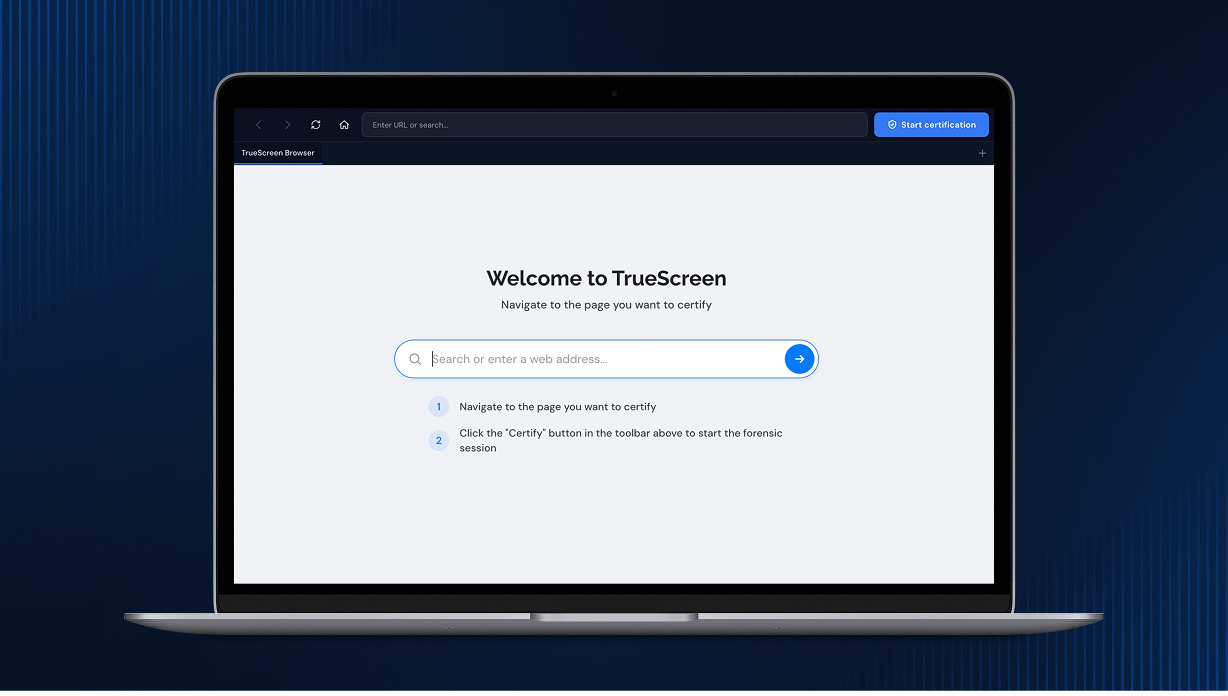
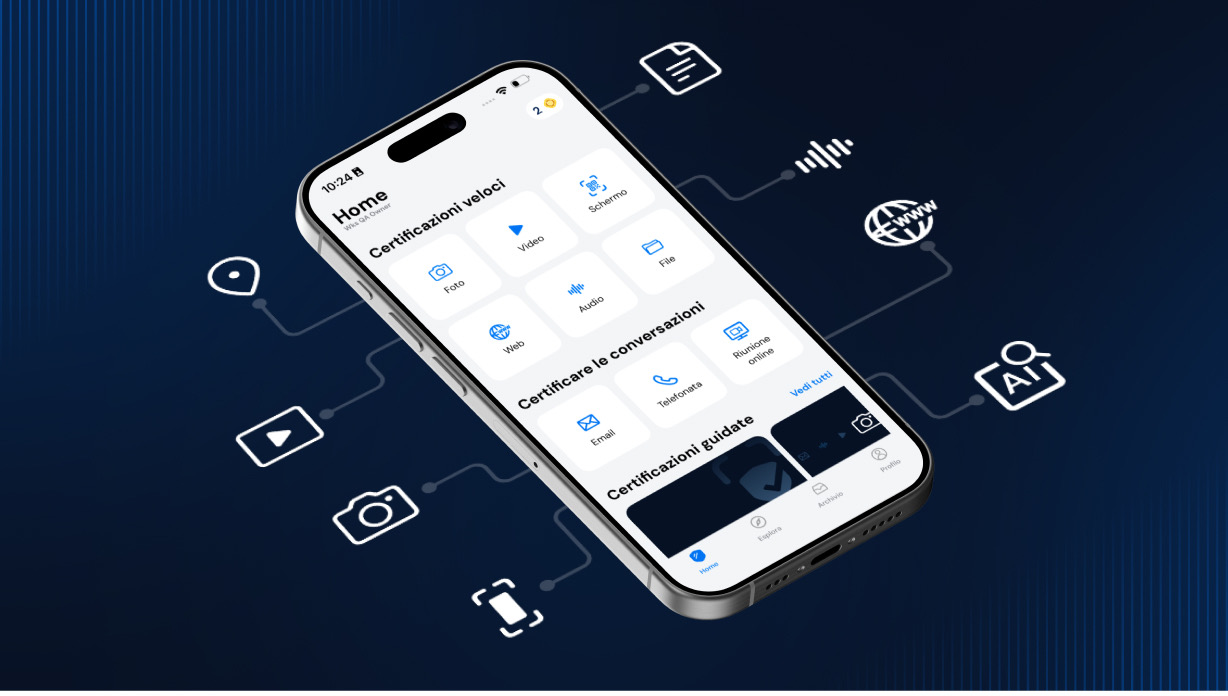
Certifying an email takes less than a minute. Add TrueScreen to your email thread in CC or BCC, and receive a forensic report with digital seal, certified timestamp, and full header preservation. Court-ready email authentication for contract disputes, harassment cases, or regulatory compliance: add, send, done.
Step by Step
Certify any email in three steps
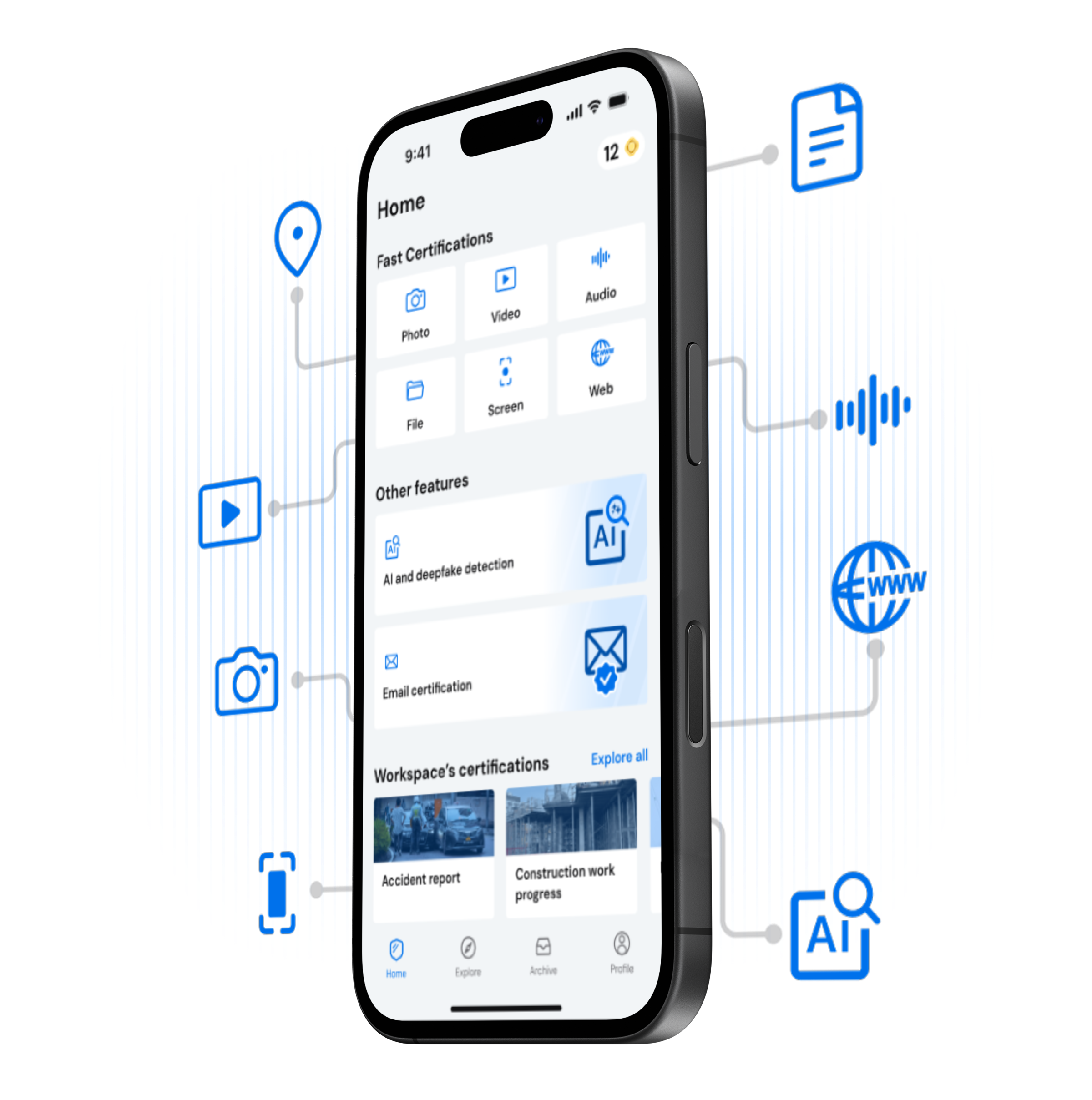
Certify emails from web or app
What You Get
Every Certified Email Includes
CERTIFY
Start Certifying Your Emails with TrueScreen
Three steps, less than a minute. TrueScreen, the Data Authenticity Platform, uses a patented forensic process to give your emails full legal value. Just add, send, done.
Benefits
Why Certified Emails Win in Court
PEC (Posta Elettronica Certificata) certifies that a message was sent and delivered: it is the digital equivalent of a registered letter with return receipt. PEC does not certify the content of the email, only the transmission event.
TrueScreen email certification does the opposite: it captures and certifies the actual content of any email (standard email, Gmail, Outlook, or PEC), including headers, body, attachments, and metadata. The result is a forensic report with digital seal and qualified timestamp that proves what the email contained at a specific moment in time.
In short: PEC proves you sent something. TrueScreen proves what you sent, what you received, and what it contained. The two are complementary: you can certify the content of a PEC message with TrueScreen for complete legal coverage.


