
How to change a photo’s date, location and camera
The date, the place and the camera recorded in a photo can be rewritten in three clicks, for free, and the result looks perfectly plausible: a file last saved in Photoshop in 2020 becomes an iPhone 15 Pro shot taken in Milan last week. What changes is the file’s description of itself. The picture, and every trace a careful reader can check, stays exactly as it was. This guide shows how to change photo date, location and camera metadata step by step, and then what still gives the game away.
To do it we use GoTamper.it, a complete, free and public tool for modifying any kind of file (photos, videos, screenshots, PDFs, audio) directly in the browser: nothing is uploaded and nothing is stored.
This guide is part of a series that starts with how to tell if an image is AI generated.
How to change photo date, location and camera in four steps
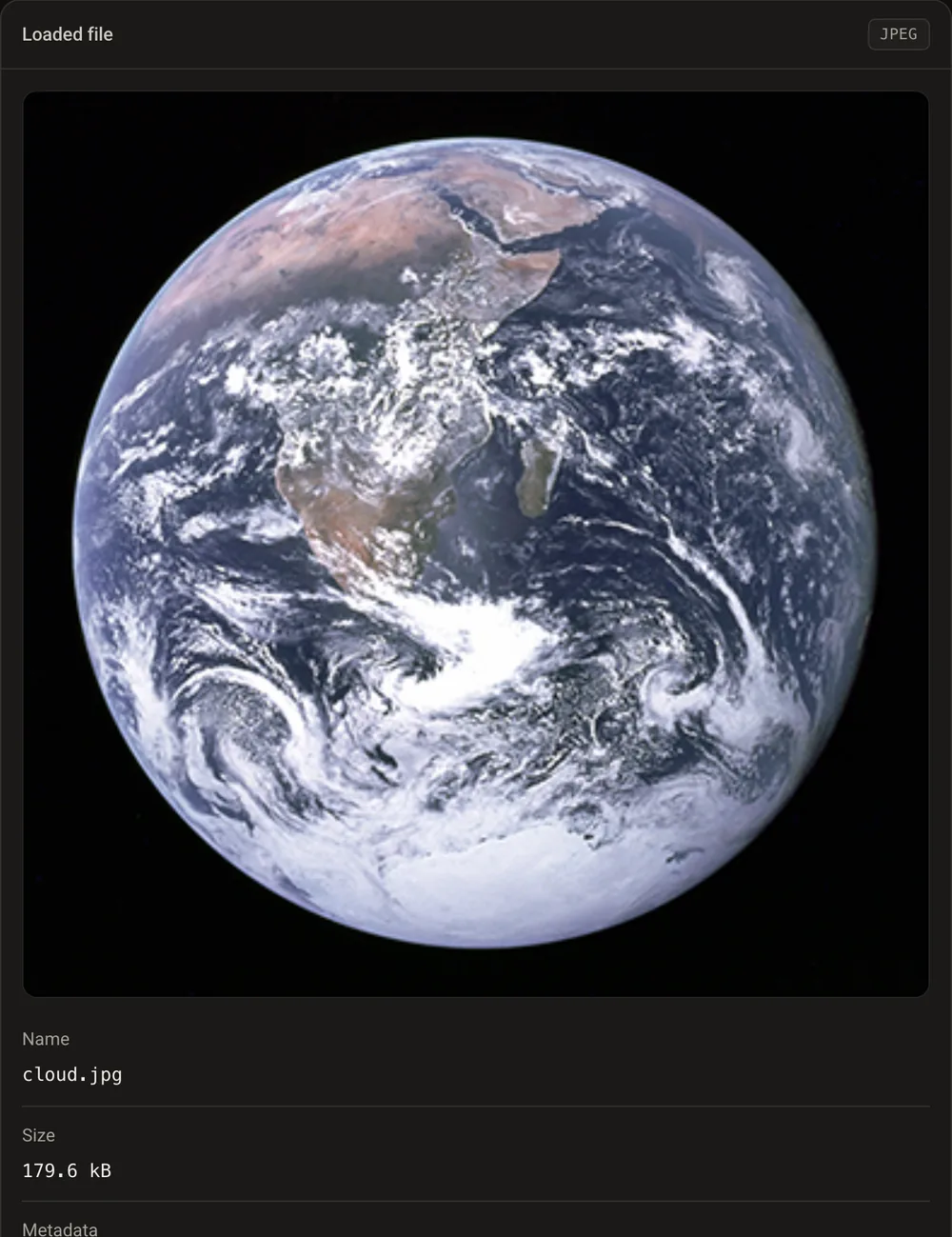
Step 1: load the photo
Drag the photo onto GoTamper.it. Our test photo carries 16 metadata fields: it was last saved with Adobe Photoshop 21.1, its date says 26 March 2020 and its time zone says minus four hours. No camera model, no location.
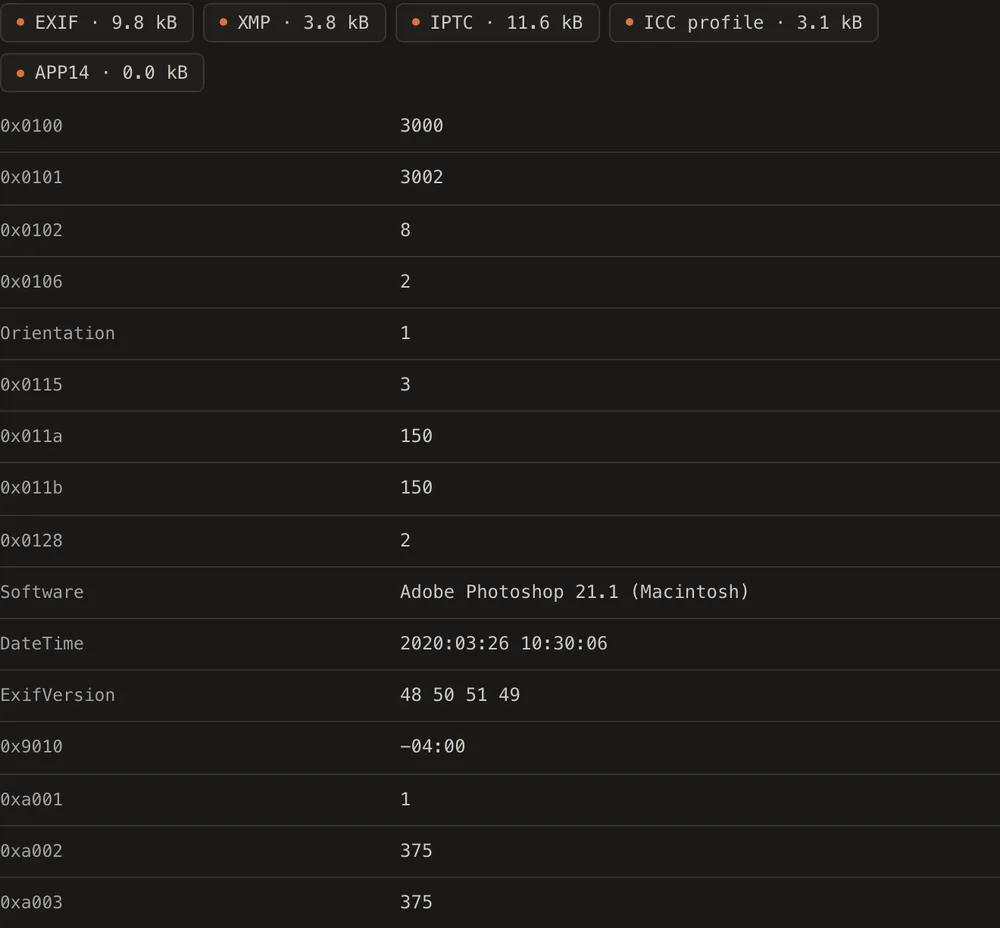
Step 2: open the Metadata tab and choose Rewrite
The tab lists what the file contains: EXIF, XMP, IPTC and a colour profile, field by field. Below the list there are three options: Keep, Erase all and Rewrite. Choose Rewrite.
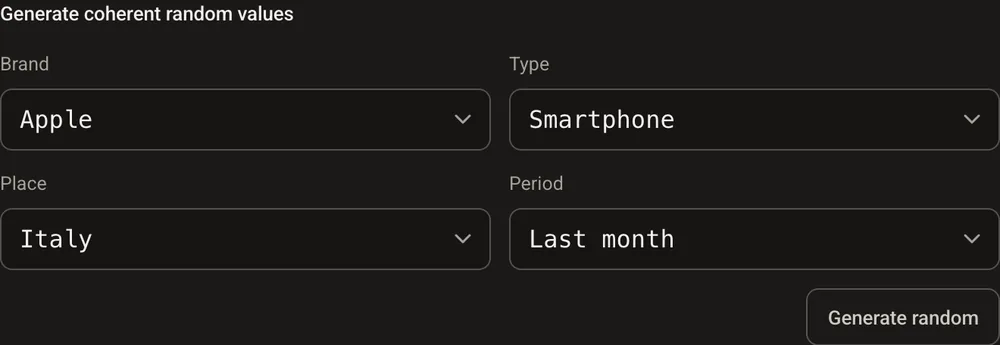
Step 3: pick a story
You can type every value by hand, but the generator is faster: choose a brand, a type of device, an area and a period. We chose Apple, smartphone, Italy and last month, then pressed Generate.
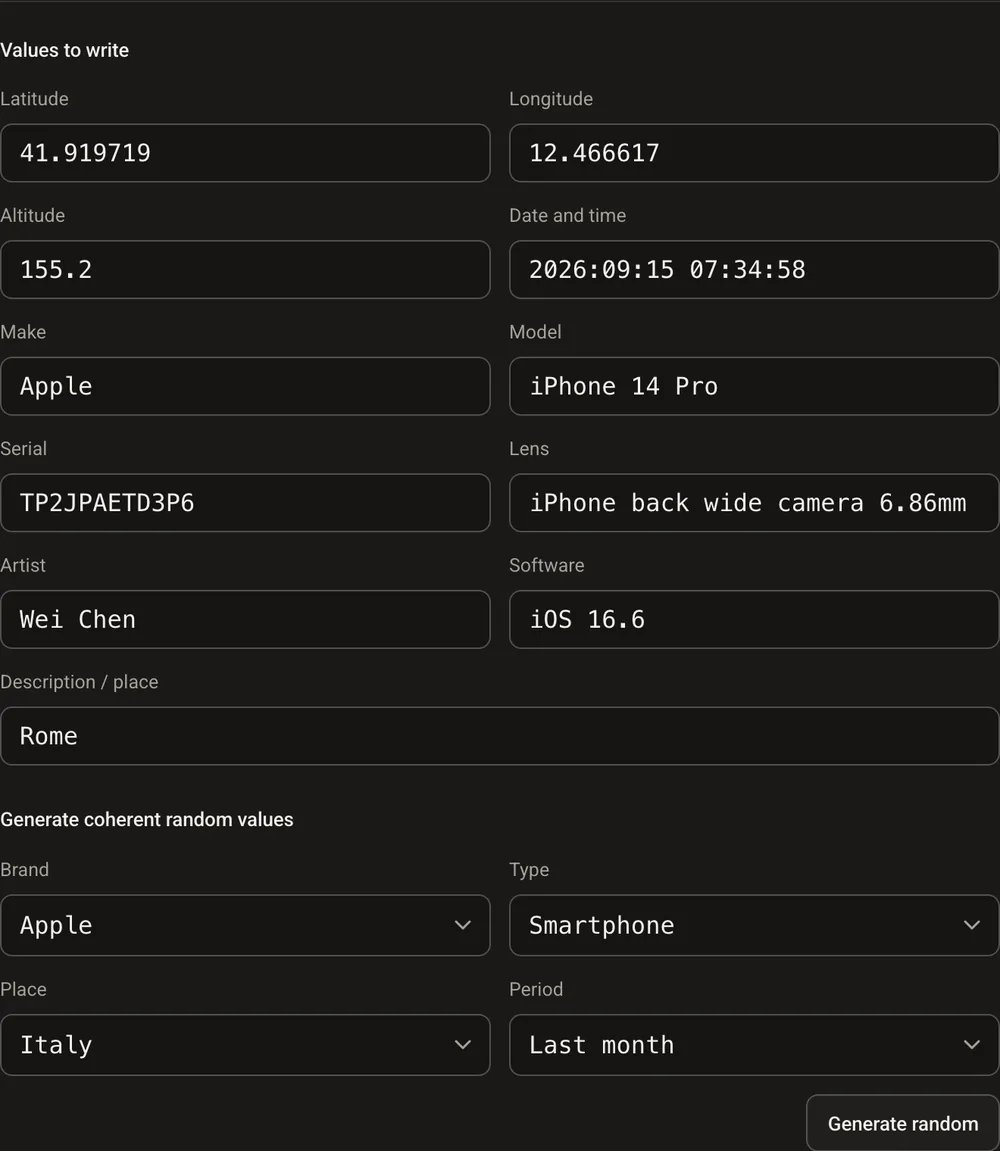
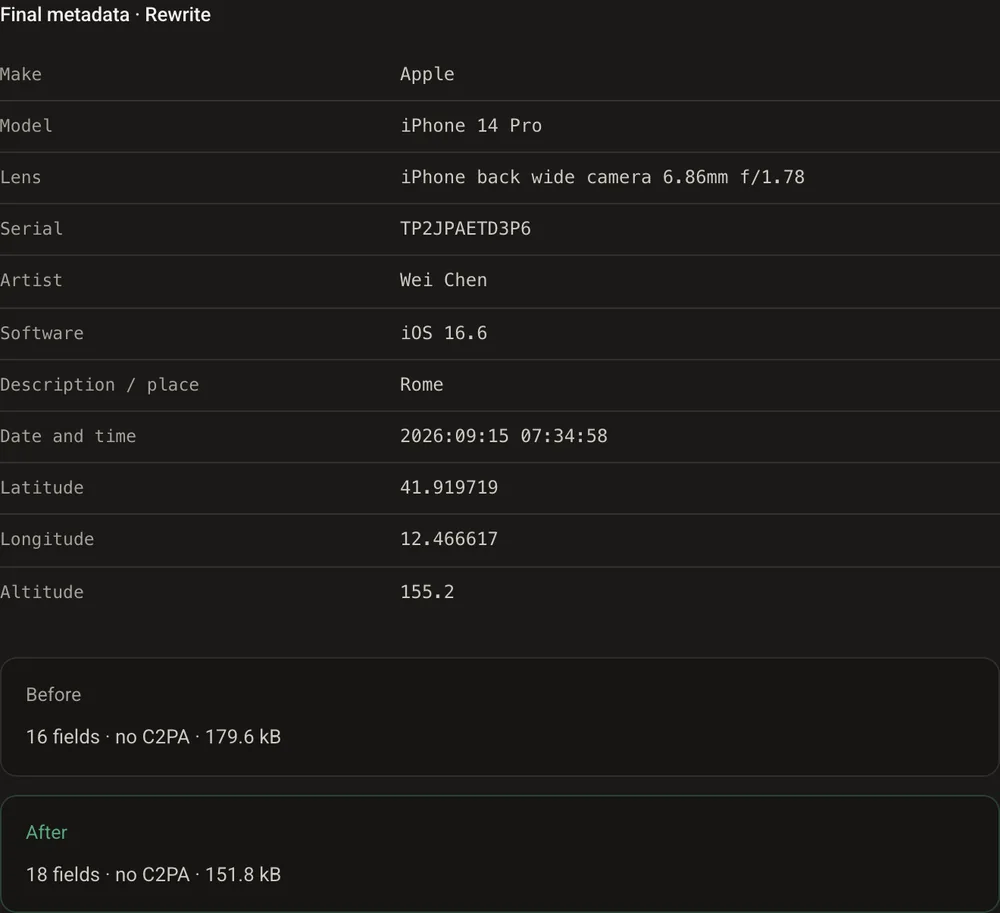
Every field is filled with values that fit together: iPhone 15 Pro, its real lens, a serial number, iOS 18.1, Milan with true coordinates and altitude, 9 September 2026 at 19:26. Any field can still be edited by hand.
Step 4: download the result
Open Result. Before: 16 fields, 179.6 kB. After: 18 fields, 151.8 kB. The photo now says it was taken in Milan last week with an iPhone. Not one pixel has changed. Download the file and you are done.
Or erase everything
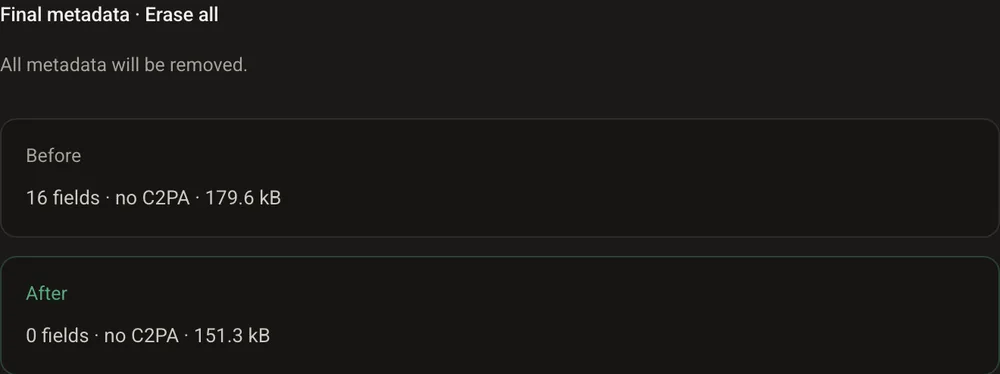
If the goal is a photo that says nothing, choose Erase all instead of Rewrite: 16 fields become 0 and the file comes out at 151.3 kB. No date, no software, no location. This is what most messaging apps do on their own when you send a picture.
What the command line shows
The same check with ExifTool, for those who prefer a terminal. Before, the photo admits it went through Photoshop and has no camera or location:
$ exiftool -Make -Model -Software -DateTimeOriginal -GPSLatitude -ImageWidth photo.jpg
Software         : Adobe Photoshop 21.1 (Macintosh)
Image Width      : 375
After the rewrite, it tells the new story. After Erase all, it tells none:
$ exiftool -Make -Model -Software -DateTimeOriginal -GPSLatitude -ImageWidth photo-rewritten.jpg
Make             : Apple
Model            : iPhone 15 Pro
Software         : iOS 18.1
Date/Time Original: 2026:09:09 19:26:05
GPS Latitude     : 45 deg 28' 45.86" N
Image Width      : 375

$ exiftool -Make -Model -Software -DateTimeOriginal photo-erased.jpg
(nothing)
The original carried 71 metadata tags in all; the rewritten file carries 14, the erased one none.
What still gives the game away
Metadata are a claim, not a fact. Anyone who compares the file with what a real iPhone produces sees the seams:
- the picture is 375 by 375 pixels: no iPhone 15 Pro produces a photo that size;
- the compression settings are the ones Photoshop uses, not the ones Apple’s camera uses;
- there is no embedded preview and no maker notes, which an iPhone writes every time;
- the editing history that XMP kept has simply vanished, which is itself a sign;
- the pixels themselves, with their noise and their sharpening, still say which kind of device and software made them.
A rewritten date is easy to write and hard to defend. And a court does not take metadata at face value anyway: it asks how the file was acquired and by whom.
Why this changes nothing for certified evidence
Metadata travel inside the file, so anyone can rewrite them. A TrueScreen certification lives outside. When a photo is taken with the TrueScreen App, date, time and position are recorded at the moment of capture and bound to the file’s fingerprint, together with a qualified electronic seal and a qualified timestamp, recognised internationally, in a report that anyone can verify. The same goes for videos taken with the App, for web pages acquired with Forensic Browser or the Chrome and Edge extension, and for files certified in Portal.
Change the EXIF all you like: the report still says when and where the photo was taken, and a modified file no longer matches its fingerprint. How to certify a photo shows the steps.

Frequently asked questions about changing photo metadata
How do you change the date of a photo?
The date lives in the EXIF and XMP metadata, which any metadata editor can rewrite. To change photo date and location, GoTamper.it does it in the browser, with values that fit the camera and the place you choose. What you cannot change is the picture itself, and the traces it carries.
Can someone tell if the date on a photo has been changed?
Often, yes. A rewritten date rarely matches the rest of the file: the size of the picture, the compression settings, the missing preview, the editing history that disappeared. A forensic reader compares the story the metadata tell with the story the pixels tell.
Does changing photo metadata change the picture?
No. Rewriting or erasing metadata touches only the descriptive block of the file. The pixels are identical, which is why the file gets smaller (the old metadata are gone) but the image looks the same.
How do I prove when and where a photo was taken?
Not with metadata. Take it with an app that certifies the capture: with the TrueScreen App the date, time and position are bound to the file’s fingerprint and sealed in a report that anyone can check, outside the file.
The photo’s date, outside the file
With the TrueScreen App the date, time and position of the shot are recorded at the moment of capture and bound to the file’s fingerprint: any later change to the metadata becomes irrelevant.

TrueScreen editorial team
Published on · Updated on
This section is edited by the TrueScreen editorial team, which brings together expertise in digital forensics, the law of digital evidence and regulatory compliance. Every article is checked against primary sources: legislation, published rulings, technical standards and official documentation, always cited in the text.
Editorial Team and Methodology →


