
Is this website legit? The checks that matter before you buy, and their limits
The checks worth running on an unfamiliar online store before you pay, what each one really proves, and how to keep evidence that outlasts a fake shop.
Is this website legit? No single signal can tell you, because the padlock, the reviews and the age of the domain each answer a narrower question. TrueScreen fights fake online stores by certifying, with a forensic methodology, what a website shows at the moment you visit it, so you are not left without evidence if the store vanishes along with your money. Before you pay, cross-check who is selling, how you are asked to pay and what the offer promises.
Key takeaways
- The HTTPS padlock shows an encrypted connection, not a trustworthy seller: Google’s Chrome team says nearly all phishing sites use HTTPS (Chromium Blog, 2023).
- In the EU an online seller must give its identity, geographic address, phone number and email before a distance contract binds you (Directive 2011/83/EU, art. 6).
- Google Safe Browsing reports whether a site is currently flagged as dangerous, so a fake store that opened recently may not be on the list yet (Google Safe Browsing).
- On marketplaces, the Digital Services Act requires platforms to collect traders’ identity and register data, as a best-efforts duty that does not cover a store’s own website (DSA, art. 30).
- TrueScreen certifies what a site showed and when, not whether the seller is honest; a judge or the other party weighs that evidence case by case.
45%
of EU consumers encountered online scams in the past year
11%
of participants in Google’s 2021 research understood what the padlock icon meant
40%+
of people who lost money to a social media scam said it began with an order from an ad
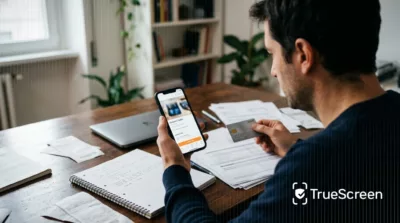
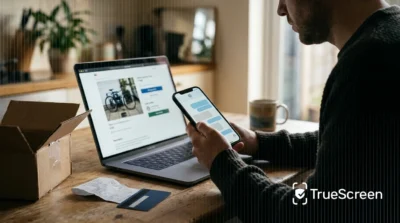
Is this website legit? Most people ask with the item already in the cart: an ad on social media, a price lower than any big retailer’s, a checkout that takes two minutes. Fake stores are built to look exactly like that. They copy real brands, open and close within days, and a padlock or a page of five-star reviews costs them next to nothing. The U.S. Federal Trade Commission reports that shopping scams were the most reported scam on social media in 2025, and that most people who lost money paid for things that never arrived.
To know if a website is legit, you need to know which checks tell you something real before you pay, and what you can still show if the site disappears anyway. Most checklists also skip the point where the checks stop working, and that is the gap TrueScreen covers: it keeps a certified record of what the store displayed while you were looking at it.
Why the padlock, the reviews and a polished design don’t prove a site is legit
The HTTPS padlock means the connection between your browser and the site is encrypted; it says nothing about who runs the store or whether your order will ever ship. When TrueScreen certifies a store through its Forensic Browser, the report lists the TLS certificates of the sites visited, as a fact about the connection rather than a verdict on the seller. Google’s Chrome team wrote in 2023 that “the lock icon does not indicate website trustworthiness”, that only 11% of participants in its 2021 research understood what the icon meant, and that nearly all phishing sites use HTTPS.
Google ended up replacing the padlock in Chrome with a neutral icon, to stop people reading it as a sign that a page can be trusted. The FBI’s Internet Crime Complaint Center had warned in 2019 that criminals are “banking on the public’s trust” of HTTPS and the lock icon. Safe and legit get mixed up here. “Is this website safe?” asks whether the connection is encrypted and the site serves no malware. “Is this website legit?” asks whether an identifiable business runs it and delivers what it sells. Most of the signals people rely on answer the first question, not the second.
Reviews, on the store itself or on review platforms, are the weakest of them. The European Commission’s 2025 Consumer Conditions Scoreboard found that 66% of consumers had come across fake reviews in the past year, and fake reviews can make a store that opened last week look established. Design proves even less: the UK National Cyber Security Centre notes that “it’s easy for a criminal to duplicate the design of a legitimate website”, logos and product photos included.
| Signal | What it actually tells you | What it does not tell you |
|---|---|---|
| HTTPS padlock | The connection to the site is encrypted | Who runs the store, or whether it will deliver |
| Website address | Whether you are on the domain you meant to visit | Whether the owner of that domain is honest |
| Reviews and ratings | What some accounts say about the store | Whether those accounts and reviews are real |
| Professional design | Someone spent time on a template | Anything about the seller: designs are easy to copy |
| Domain age (WHOIS) | When the domain was first registered | Who uses it today: old domains can be bought, and new stores can be honest |
| Scam checkers and trust scores | A score built from technical signals and reports | Whether a recently opened store is a scam, before anyone reports it |
| Trust badges and logos | That an image was placed on the page | That a certification exists: only the issuer can confirm it |
How to check if a website is legit before you pay
To tell if a website is legit before you buy, check the seller, the payment and the offer against each other, because each check covers a gap in the others. TrueScreen works alongside these checks rather than replacing them, by certifying the offer page so the promise you are weighing can later be shown exactly as it appeared. In the EU, Directive 2011/83/EU already requires an online seller to give you its identity, geographic address, phone number and email before a distance contract binds you.
To tell if an online store is legit, work through the checks in this order:
- Read the web address letter by letter.
- Find out who is behind the site.
- Read the terms and test the contacts.
- Look at the payment methods.
- Compare the price and notice any pressure.
- Run the site through a public checking tool.
The web address, letter by letter
The address bar is the quickest place to spot a fake website. Fake stores often sit on a domain that differs from a real brand’s by a letter, a hyphen or an extra word, a trick known as typosquatting. The NCSC’s example is www.tescos-sales.com, a name “that can be easily mistaken for a genuine domain” like www.tesco.com. Google’s Chrome help page gives the same advice even for secure connections: “check the site name in the address bar.” If you arrived through an ad or a text message, type the brand’s official address yourself.
Who is behind the site
A real seller tells you who it is. The OECD Recommendation on Consumer Protection in E-commerce asks online businesses to show their legal and trading name, principal geographic address, an email or phone contact, domain registration details and any government registration. Find it on the legal notice, then check it somewhere outside the site. For an EU VAT number, the Commission’s VIES service tells you whether it is registered for cross-border trade, but the answer is only “valid” or “invalid”, and the Commission notes that national authorities will not supply the name and address behind a number. Outside the EU, search the business register of the country where the seller says it is based.
On marketplaces, article 30 of the Digital Services Act requires platforms to collect traders’ name, address, contacts, payment account and trade register number before letting them sell to EU consumers. It is a “best efforts” duty, and it does not apply to a store’s own website.
Terms of sale, returns and contacts that answer
Directive 2011/83/EU gives EU consumers 14 days to withdraw from a distance contract “without giving any reason”, and the seller has to explain how. A store selling into the EU that says nothing about returns, has no privacy policy, or whose terms name a different company is waving a red flag. Before you buy, email the address the store lists and see whether a person replies.
Payment methods you can trace
The OECD recommendation calls for limits on consumer liability “for unauthorised or fraudulent charges”, and a card or an established payment service gives you a way to dispute a charge with your bank or provider. A wire transfer to a private account, gift cards or crypto leave you with almost nothing to dispute.
A price out of line and pressure to pay now
A deal far below every other retailer is the classic hook: the FTC says many shopping scam ads led to “sites impersonating well-known brands offering big discounts”. Pressure deserves the same attention. In a 2025 sweep of 314 online traders, EU consumer authorities found that 18% used pressure-selling such as countdown timers. Those were real businesses, so a timer does not prove a store is fake. It is a reason to slow down and finish the other checks.
Authority warnings and public checking tools
Google Safe Browsing “helps protect over five billion devices every day”, and its Site Status tool shows whether a site currently contains content flagged as dangerous, phishing and deceptive sites included. Note the word “currently”: a fake store that opened yesterday may not be on any list yet, and a clean result says nothing about whether your parcel will arrive. Commercial scam website checkers, which promise to tell you whether a website is legit, share that limit. Searching the store name with “scam” or “complaints” is often a quicker way to tell if a website is a scam, because other buyers may have reported it already.
Where the checks stop: what no verification can guarantee
No check on its own can prove that a website is legit: a well-made clone, a store that keeps changing its name or a domain bought already old can pass most of them. TrueScreen does not try to guess whether a seller is honest; it makes what the site promised, when and at which address, something you can show later. More than 40% of people who lost money to a social media scam told the FTC it began with an order placed from an ad.
Clone sites copy the logo, the catalog, the legal notice and a near-identical domain, so a visual check cannot tell them from the original. Some even show the real company’s address and VAT number, which then pass a register check because they belong to the business being imitated. Other fake stores swap name and domain every few weeks, wiping their bad reviews each time.
Here is how that plays out for a small business. It needs parts quickly and finds a supplier online: professional site, a VAT number that checks out in VIES, a domain several years old. It pays a deposit by bank transfer, and two weeks later the supplier goes silent. Every check had passed: the VAT number was the real supplier’s, and the domain had been bought ready-made. Automated tools fail the other way too: an honest store that opened last month can get a low trust score just for being young.
The step almost nobody takes: keeping evidence before you pay
When a fake store shuts down, the offer page, the terms and often the order confirmation disappear with it, so the time to preserve them is before you pay or right after. TrueScreen certifies those pages while they are still online, together with the address you visited and the date and time of the capture. According to the European Commission’s 2025 Consumer Conditions Scoreboard, 45% of EU consumers encountered online scams in the past year.
What to keep
Keep whatever describes the deal as the seller presented it: the product page with price, photos and seller name; the terms of sale, shipping and return policies and the legal notice; the cart and checkout with the total; the payment confirmation and the order page in your account; the chat with the seller; and every email, from the order confirmation to shipping notices. If an ad brought you there, keep that too.
Why a screenshot alone is not enough
A screenshot shows only what was on screen and can be edited in seconds. It carries no reliable address or time, so a seller who wants to dispute it just says it was made up. To save a web page as evidence you need intact content, the address it came from and a date someone else can check. TrueScreen ties the image of the page and the video of your browsing to the URL you visited and to a time whose clock check is stated in the report.
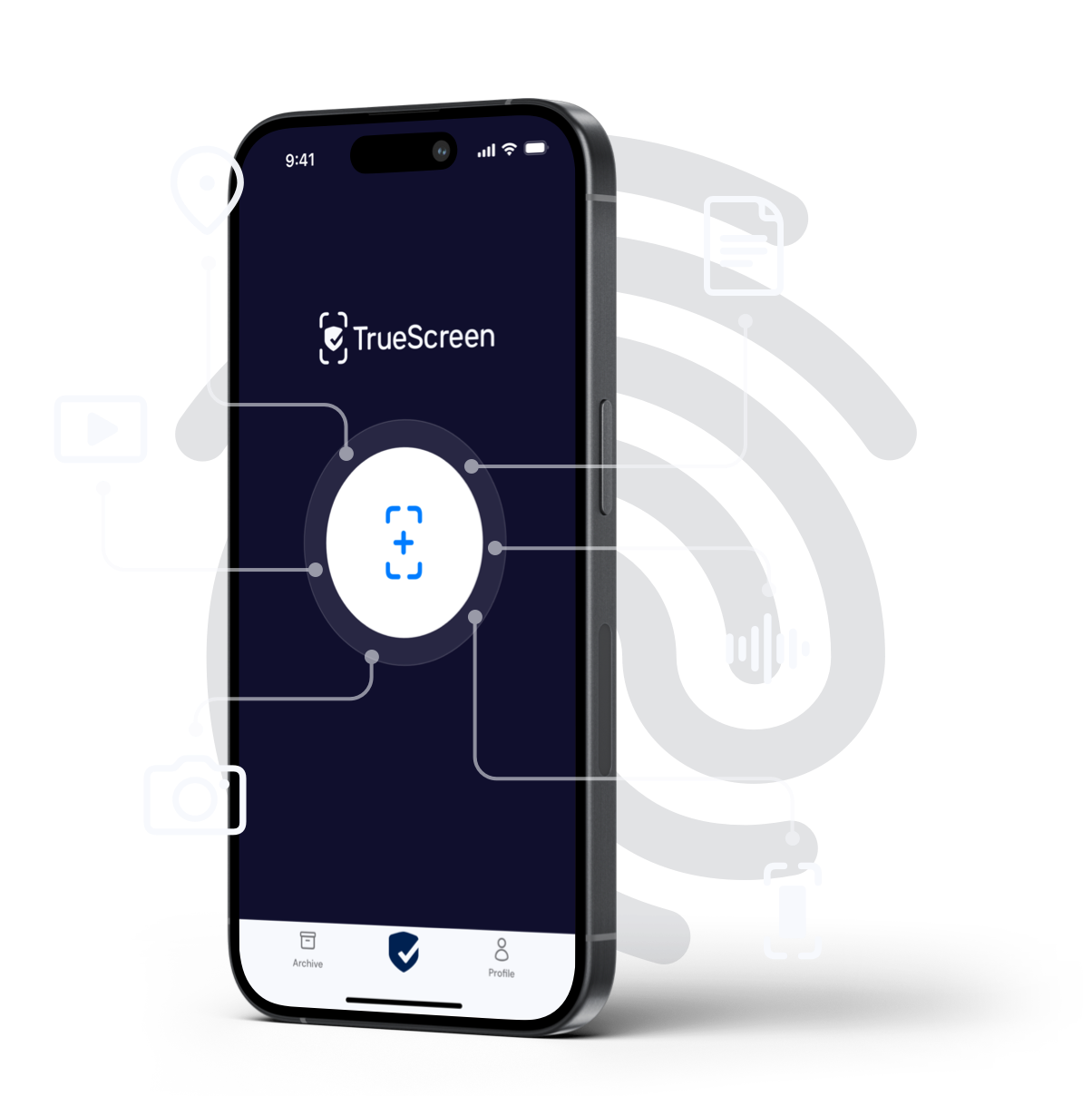
How does TrueScreen protect online shoppers when the website disappears?
TrueScreen protects online shoppers by preserving what a store showed them before the store can take it back, through a forensic certification of each page that stays verifiable after the site goes offline. The page is acquired in a controlled environment, the data is verified, every step is documented in a technical report, and the result is certified. The certification attests that the content was acquired at a given moment and in a given technical context and has not been changed since. It does not vouch for the seller or for the truth of what the page says. It records the promise, and the promise is what a fake store breaks.
For an unknown store, the Forensic Browser on your computer is the most robust route. It starts with clean browsing data in its own application, records network activity and attached files, and delivers the original PNG image of each page, a video of the session with SHA-256 and SHA-512 fingerprints, the page source and an MHTML archive. The report states the date and time with the result of the device clock check, the TLS certificates of the sites visited and any anomaly.
On a phone, the certified web browsing in the TrueScreen app certifies your session on the device where shopping often starts, with a continuous video of the screen, the interaction events and a web archive of the pages, and a chat with the seller is certified in the app by recording the screen while you scroll through it. When the cart or the order history sits behind a login you already have open on your computer, the Browser Extension works inside your own Chrome or Edge: in tab-recording mode it logs your clicks, scrolls and navigation, and in every mode it states the capture method in the report. Emails are covered by Mail Certification: it certifies a message that reaches your workspace’s dedicated TrueScreen address from an enabled sender, in To, Cc or Bcc or through a forwarding rule, from any mail client and with nothing to install.
Where legal value matters, every certification ends with a qualified electronic seal and a qualified timestamp under the EU eIDAS Regulation. Outside the EU they rest on an internationally recognized framework, and the acquisition follows the ISO/IEC 27037 guidelines and the recommendations of the Budapest Convention. A judge or the other party still weighs the evidence case by case, and any evidence can be challenged: the legal value of a web page certification depends on the jurisdiction and the dispute.
An individual buyer only needs a workspace with a Personal purpose on the pay-as-you-go TrueScreen Standard plan, with no subscription and credits bought when needed.
Picture an electronics store with prices far below anyone else’s. Before paying, the buyer certifies the product page and the terms; after paying, the order page and the confirmation email. The store stops answering and the domain goes offline, yet the buyer can still show the bank and the police the offer as it was published, with its address and the date and time of the capture. For the small business paying a supplier deposit, the Forensic Browser would also have kept the site’s TLS certificates and network log.
-
Certify the offer page before you pay
Open the store in the Forensic Browser, or in the certified browsing of the TrueScreen app on your phone, and go through the product page, the legal notice, the terms of sale and the return policy. Scroll each page to the end so the video shows the conditions in full.
-
Certify the cart, the payment and the order confirmation
Carry the same session through the cart, the checkout and the confirmation page. If you already paid in your usual browser, certify the order page in your account with the Browser Extension while you are still logged in.
-
Certify the seller chat and the confirmation email
Record the chat in the TrueScreen app while you scroll through it, or certify it in the Forensic Browser if it runs as a web service on your computer. For the emails, set a forwarding rule that sends the store’s messages to your workspace’s dedicated address for Mail Certification, or add that address in Cc or Bcc when you write to the seller, once your sender address is enabled in the workspace.
If the website turns out to be a scam: what to do with the evidence
If a store turns out to be fake, move quickly: stop any further payment, contact your bank and report the site, attaching the certified pages and emails. In 2025 “website or app” was the most common way scammers first reached people who reported a loss to the FTC, at 31%.
Call your bank or card issuer first: they will tell you what they can do and which documents they need for a bank complaint. If you found the store on a marketplace or through an ad, report the listing or the ad on that platform too.
Then report the site to the police or to your national consumer or cybercrime authority, following our guide on how to report an online scam. If the site is still online, certify it now, even after paying: pages that are there today may be gone tomorrow.
Be realistic about the outcome. Whether you get your money back depends on the payment method, your bank and the law where you live, and no evidence can promise it. Certified pages and emails make your account of what happened easy to check, nothing more.
Conclusion
Asking whether a website is legit is the right instinct, but no padlock, review score or checker can settle it alone. Read the address, find out who the seller is and check it outside the site, look at how you are asked to pay and at how the price compares, and treat every automated verdict as one input among others. Then do what fake stores count on you skipping: certify the offer, the terms and the confirmation with TrueScreen while they are still online. If the store turns out to be honest, you have lost a few minutes. If it vanishes, what it promised you is still available as a certified record, with its address and the date and time of the capture.
FAQ: Is this website legit?
Can a fake website have HTTPS?
Yes. HTTPS only means the connection between your browser and the site is encrypted, and anyone can get a certificate for a domain, a fake store included. Google’s Chrome team wrote in 2023 that nearly all phishing sites use HTTPS and so display the lock icon. To judge whether a website is legit, check who sells and how you pay instead.
How do I check if a website is legit before I buy?
To check if a website is legit, compare the seller, the payment and the offer against each other. Read the web address letter by letter, find the company name, geographic address and contacts (EU sellers must provide them under Directive 2011/83/EU), read the return terms, prefer payment methods that let you dispute a charge, compare the price with other retailers and run the address through Google Safe Browsing. No single check is enough on its own.
Is there a website that checks if a company is legitimate?
Several public tools help, each with a limit. Google Safe Browsing’s Site Status tool shows whether a site currently contains content flagged as dangerous, but a store that opened recently may not be listed yet. The European Commission’s VIES service says whether an EU VAT number is registered for cross-border trade, without giving the name behind it. A national business register confirms that a company exists, not who runs a given website.
What should I do if I already paid a fake website?
Contact your bank or card issuer straight away, stop any further payment, report the ad or listing to the platform where you found it, and report the site to the police or your national consumer authority. TrueScreen can still certify the pages, chats and emails that are available, with the date and time of capture, so you can attach them to each report. Getting the money back depends on the payment method and the bank, and nobody can guarantee it.
Sources and verification
Every figure and principle cited here links to its source, listed with type and date. Links checked on the publication date.
| Source | Type | Date | What it supports |
|---|---|---|---|
| U.S. Federal Trade Commission, Data Spotlight on social media scams | Survey | 2026 | Shopping scams as the most reported social media scam in 2025, orders from ads, impersonating sites, contact methods |
| Chromium Blog, An Update on the Lock Icon | Document | 02/05/2023 | The padlock does not indicate trustworthiness; 11% understood it; phishing sites use HTTPS |
| FBI Internet Crime Complaint Center, PSA I-061019-PSA | Document | 10/06/2019 | Warning that criminals exploit trust in HTTPS and the lock icon |
| European Commission, 2025 Consumer Conditions Scoreboard | Survey | 14/03/2025 | 45% of consumers encountered online scams; 66% came across fake reviews |
| UK National Cyber Security Centre, Shopping and paying safely online | Document | 15/07/2024 | Copied website designs and deceptive domains |
| Google Chrome Help, Check if a site’s connection is secure | Document | 2026 | A secure connection is private; check the site name in the address bar |
| Directive 2011/83/EU on consumer rights | Law | 25/10/2011 | Seller information duties (art. 6) and 14-day right of withdrawal (art. 9) |
| Regulation (EU) 2022/2065, Digital Services Act, art. 30 | Law | 19/10/2022 | Traceability of traders on online marketplaces, best-efforts duty |
| OECD Recommendation of the Council on Consumer Protection in E-commerce, OECD/LEGAL/0422 | Standard | 24/03/2016 | Business information to disclose (par. 29) and payment protection (par. 41) |
| Your Europe, Check a VAT number (VIES) | Document | 2026 | What VIES confirms about an EU VAT number and what it does not show |
| European Commission, EU check on misleading online sales practices | Survey | 26/03/2026 | Sweep of 314 online traders: 18% used pressure-selling |
| Google Safe Browsing | Document | 2026 | What Safe Browsing protects against and what its lists cover |
| Google Transparency Report, Safe Browsing Site Status | Document | 2026 | Public tool to see whether a site is currently flagged as dangerous |
Certify the offer page before you pay
Before paying a store you don’t know, certify its product page, terms and order confirmation with TrueScreen: if the site goes offline, you still hold a certified record of what it offered.
TrueScreen editorial team
Published on · Updated on
This section is edited by the TrueScreen editorial team, which brings together expertise in digital forensics, the law of digital evidence and regulatory compliance. Every article is checked against primary sources: legislation, published rulings, technical standards and official documentation, always cited in the text.
Editorial Team and Methodology →


