How to Certify a File with Legal Value

Certifying with legal value. Certifying a file takes less than a minute. Upload any digital file to TrueScreen and receive a forensic report with digital seal, certified timestamp, and hash verification.

Choose your method

Two ways to certify a file

Certify any file with full legal value, from your computer or your phone. Both produce the same certified forensic report.
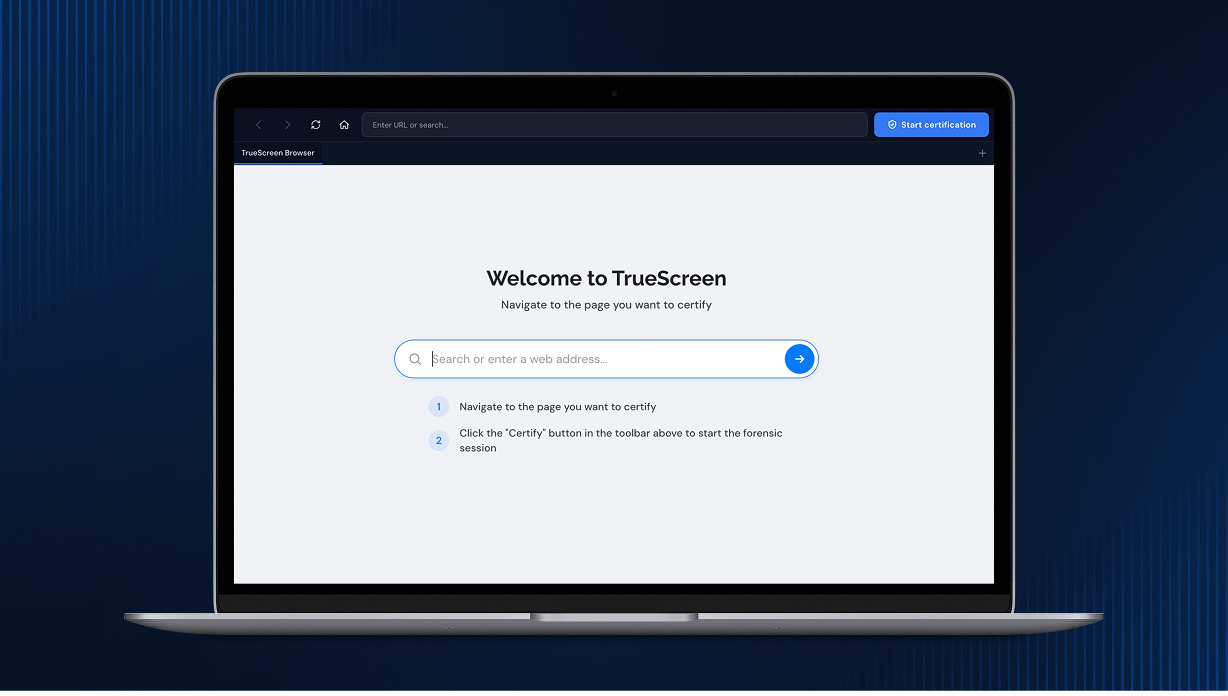
TrueScreen Web Portal
TrueScreen Web Portal · Any browser
Upload and certify any file directly from your browser, with no installation required. Ideal for working from your computer.
Start now

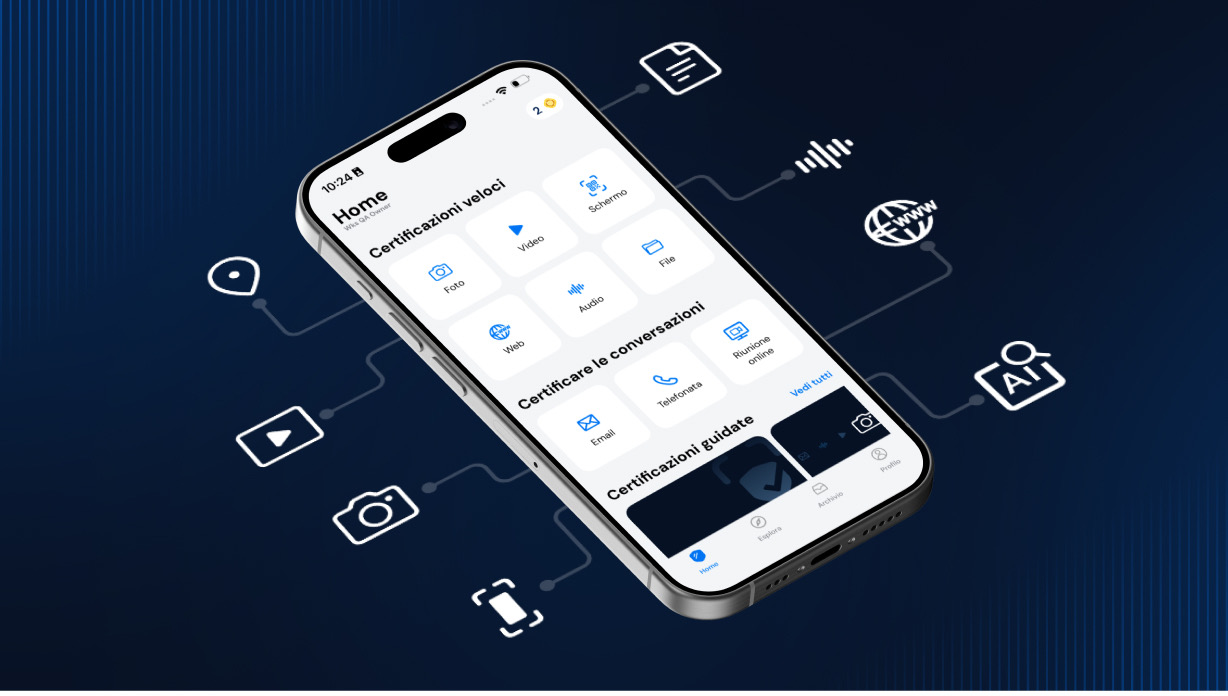
TrueScreen Mobile App
TrueScreen Mobile App · iOS & Android
Certify files anywhere from your phone. Perfect for sealing documents and media on the go, the moment you receive them.

Download the app

Step by Step

Certify a File in Three Steps

1

Open TrueScreen

Open the TrueScreen app or log in to the portal from any browser. In the app, tap the central button and select “Import from File” for documents, PDFs, or ZIPs, or “Import from Camera Roll” for photos and videos from your library.

2

Upload the File

Select your file from the device or upload it through the portal. TrueScreen computes a cryptographic hash of every byte and locks it with device metadata at the moment of acquisition. You select the file, the platform handles the rest.

3

Get Your Certified Report

Within seconds you receive your forensic report: digital seal, certified timestamp, hash verification, and chain of custody. Your file certification is complete: your file now holds legally valid digital evidence status, supporting admissibility in court.

Watch how easy it is to certify a file

Watch the full file certification process. Uploading and certifying takes under a minute.

What You Get

Every Certified File Includes
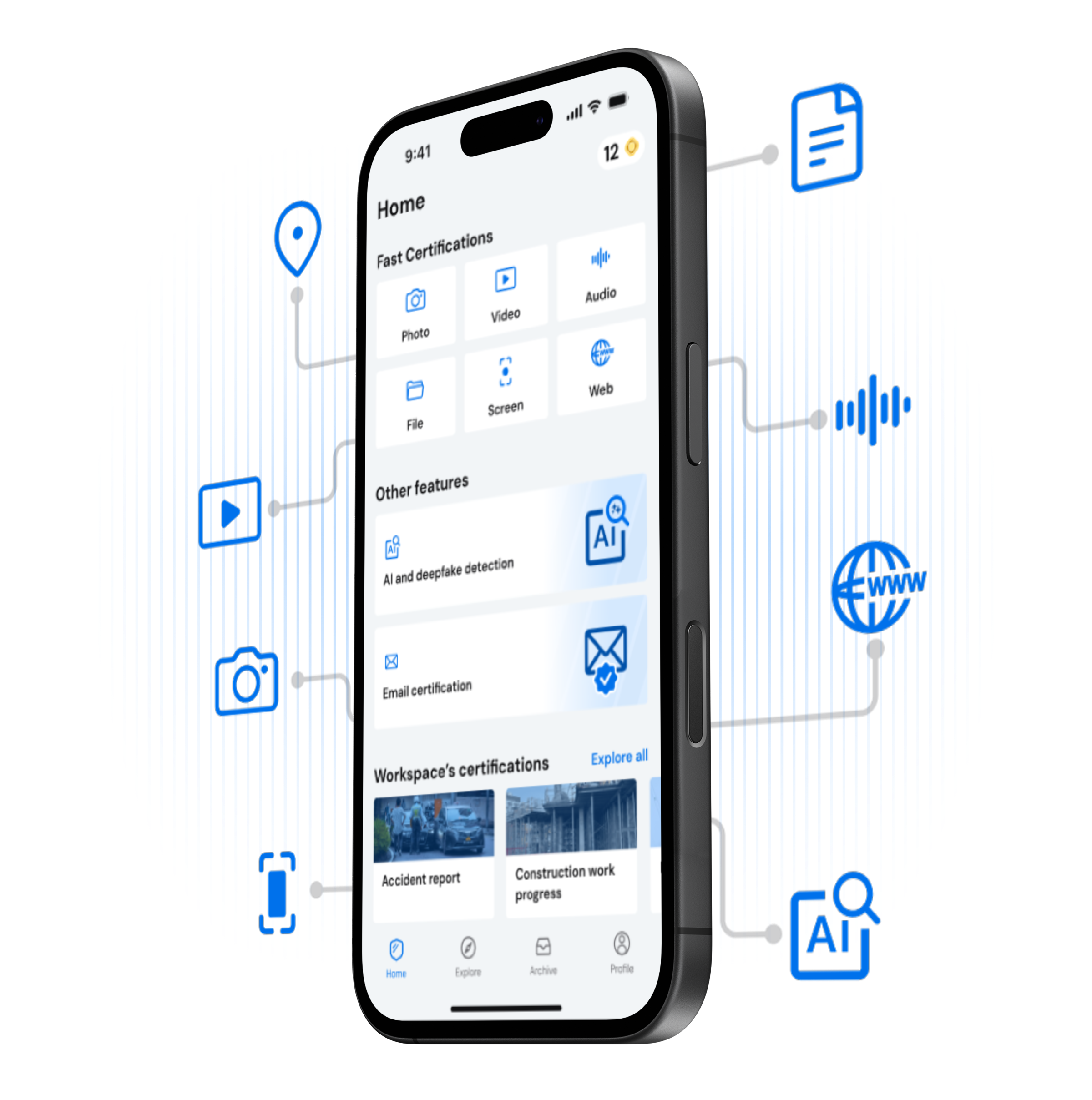
Forensic Report

A forensically documented PDF detailing the file acquisition process per ISO 27037 guidelines. Designed to support admissibility as digital evidence in civil and criminal proceedings.

Digital Seal

A digital seal under eIDAS (EU 910/2014) protects your certified file. Any alteration to even a single byte breaks the cryptographic seal and is immediately detectable.

Certified Timestamp

Legally binding date and time, compliant with the RFC 3161 standard. Impossible to backdate or alter.

File Metadata

Full file metadata is captured: filename, size, format, creation date, and modification history. This data proves the exact state of the file at the moment of certification.

Device Metadata

Upload source, browser, operating system, and network data captured during the acquisition. A complete digital fingerprint that makes the submission context of the file verifiable.

Chain of Custody

Every step from file upload to certification is logged and cryptographically sealed. An unbroken chain of custody provides verifiable proof that your file evidence has not been tampered with.

Open TrueScreen and Start Certifying Files

Three steps, less than a minute. Certify any file with TrueScreen and give it full legal value, from your computer or your phone. Just upload, certify, done.

Benefits

Why Certified Files Win in Court

Indisputable Proof

Each certified file is sealed with a cryptographic hash, digital seal, and certified timestamp (RFC 3161). Any modification to even a single byte breaks the seal and is immediately detectable.

Trust

Courts, insurers, and regulators accept TrueScreen certificates because the process complies with eIDAS, RFC 3161, and ISO 27037.

Compliance & Security

GDPR, NIS2, SOC 2, end-to-end encryption. Compliant with eIDAS, ISO 27037, DORA, and international cybersecurity frameworks.

Use Cases

Contract and Agreement Certification

Certify signed contracts, proposals, or NDAs at the moment of execution. A forensic report with digital seal and timestamp proves the exact document version that both parties agreed to.

Financial Report Authentication

Certify balance sheets, audit reports, or tax filings before submission. Certified financial files with timestamp and hash verification prove the document was not altered after certification.

CAD and Blueprint Versioning

Certify architectural drawings, engineering blueprints, or technical specifications at each revision. A timestamped, sealed file record creates a verifiable version history for compliance and liability.

Software Deliverable Proof

Certify source code, binaries, or documentation at delivery milestones. A certified timestamped file creates proof of delivery that protects both vendor and client in software development agreements.

Frequently Asked Questions

Any digital file: PDF, DOCX, XLSX, images, CAD files, source code, binaries, and more. Each certification includes a forensic report with cryptographic hash, digital seal, and certified timestamp.

TrueScreen supports files up to the plan limit. Large files like CAD drawings or video exports are handled without any reduction in forensic quality or legal value.

Full evidentiary value. A digital seal (eIDAS) and an RFC 3161 certified timestamp support the admissibility of the file as evidence in courts across EU member states and eIDAS-compliant jurisdictions.

Yes. TrueScreen certifies the content and state of any file at the moment of upload. The certification proves what the file contained at that specific time, regardless of who created it.

TrueScreen computes a SHA-256 cryptographic hash of every byte in your file. This unique fingerprint is sealed with a digital seal and certified timestamp. If a single byte changes, the hash no longer matches.

It never expires. The digital seal and certified timestamp permanently seal your file. Your evidence remains verifiable and retains full evidentiary value indefinitely.

Flexible plans for individuals, professionals, and enterprises. Start with a free trial, or contact sales for volume pricing.

Start Certifying Your Files Now

Thousands of professionals already certify their files with TrueScreen. Try it free.