
Screenshot editing: legal risks and how to certify them at the source as evidence
A screenshot is the most common piece of digital evidence in business: a chat documenting an agreement, an online listing to dispute, an offensive message to raise in a disciplinary case. It is fast to capture and seems to speak for itself. The problem is that editing a screenshot today takes a few seconds and free tools, and that same ease undermines its value the moment it reaches a courtroom.
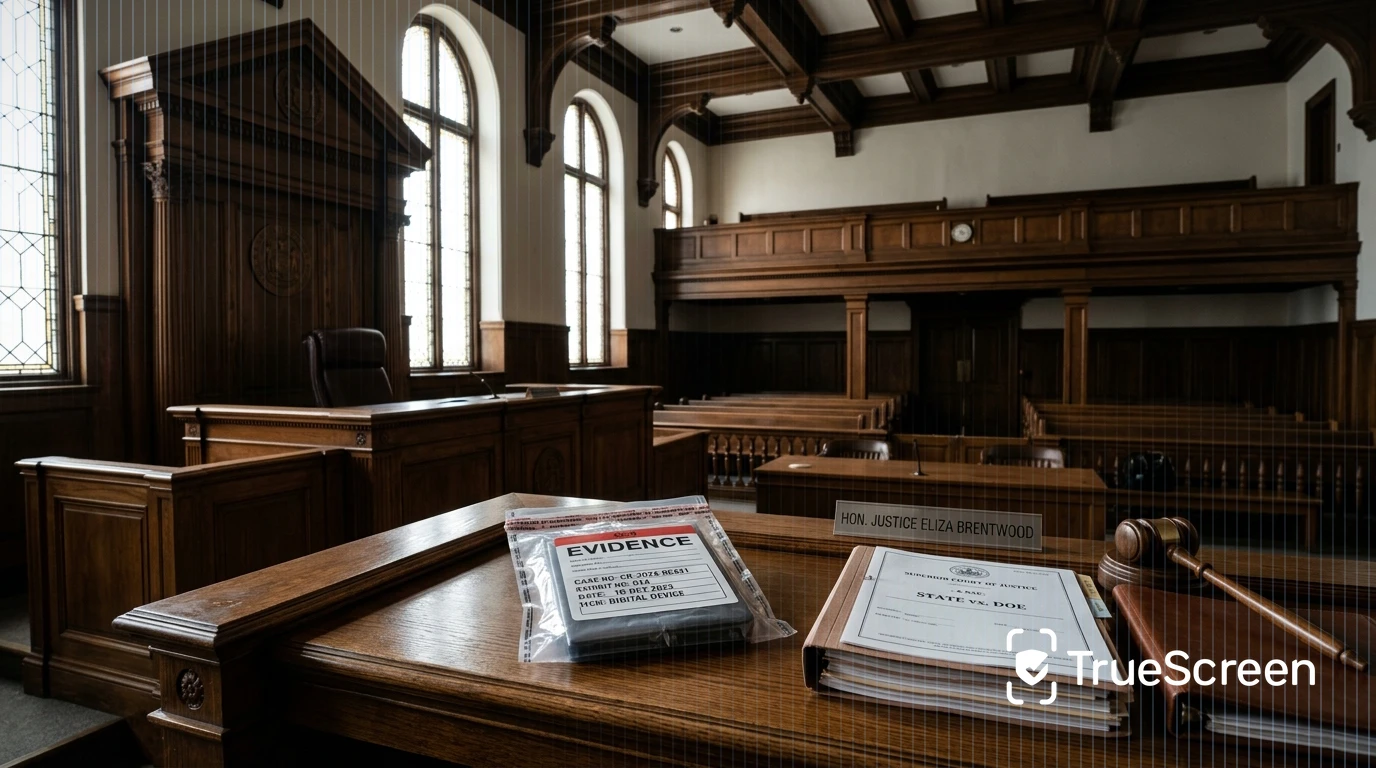
The consequence is clear: an ordinary screenshot, captured and saved without any technical guarantee, is easy to challenge. If the opposing party questions its authenticity, it can slide from solid proof to a mere indication that the court weighs freely alongside other elements. Anyone who brings an edited screenshot, or even one that is simply indefensible, risks seeing their position weakened exactly where it mattered most.
The answer is not to try to expose the fake afterwards, but to guarantee what is true beforehand: certify the screenshot at the source, at the moment of capture, with a SHA-256 hash, a qualified timestamp and a digital seal. This is the step that turns a plain image into evidence with demonstrable origin, integrity and time placement. Let's look at why it matters, how easy editing a screenshot has become, what international standards require and how content is certified at the right moment.
Why an edited screenshot can make you lose your case
An ordinary screenshot is a digital reproduction whose evidential weight depends entirely on whether anyone can challenge it. When the opposing party disputes its authenticity, the burden of proving genuineness effectively shifts to whoever produced it. The party challenging the screenshot does not have to prove it is fake: a plausible, specific objection is often enough to downgrade the image from reliable proof to a weak indication. Under most legal systems, the admissibility and weight of digital evidence turn on whether origin, integrity and timing can be established, and an ordinary screenshot establishes none of them in a verifiable way. The practical point is the same everywhere: if a screenshot carries no technical guarantee of where it came from and whether it was altered, the objection is easy to raise and hard to rebut. In many documentary disputes, the line between winning and losing runs precisely here.
This applies across the board. In an employment dispute, a chat proving misconduct; in debt recovery, the screenshot of an order or confirmation; in a disciplinary procedure, the documentation of a behaviour. In every case the fragility is identical: evidence that relies on the good faith of the person presenting it does not hold when the other side has an interest in casting doubt.
How easy it is to edit a screenshot today
Editing a screenshot takes a few seconds and free tools, within anyone's reach. Online image editors, smartphone apps and editing functions built into operating systems make it possible to change an amount, rewrite the text of a message, move a date or delete a line of conversation without leaving traces visible to the naked eye. Tools based on artificial intelligence have made these operations even faster and more convincing. No expertise is required: the technical barrier, once significant, is now almost nonexistent. And it is exactly this accessibility that shifts the problem from a technical question to an evidential one: if anyone can alter a screenshot undetectably, then no ordinary screenshot can be considered reliable by default.
One might assume that a later forensic check would settle the doubt. Techniques such as Error Level Analysis (ELA) or the examination of EXIF metadata can detect some manipulations, but they have serious limits: a recompressed or re-exported image loses most of these traces, and the absence of anomalies does not prove authenticity. Detecting the fake always comes afterwards, is uncertain and rarely conclusive. That is why moving the question from "was this screenshot edited?" to "is this screenshot's integrity verifiable from the moment of capture?" completely changes how solid the evidence is.
How to tell if a screenshot has been edited or faked
Verifying after the fact whether a screenshot is fake is possible but unreliable. ELA highlights differences in compression levels that may indicate retouching, while EXIF metadata sometimes preserve information about device and date. Both approaches, however, are easily defeated by a simple later save or by taking a screenshot of the screenshot. This is why after-the-fact verification does not replace a preventive guarantee: if integrity was not fixed at the moment of capture, proving it later remains a probabilistic exercise, not a certainty.
What evidential value a screenshot has under international standards
A screenshot has no fixed evidential value: it depends on how it was acquired and what guarantees accompany it. International frameworks for handling digital evidence, including standard ISO/IEC 27037 and the European eIDAS Regulation for trust services, all point to the same factors: origin, integrity and time placement. Courts assess these elements carefully. A screenshot that demonstrates all three is hard to attack; a screenshot that demonstrates none is exposed to challenge. In common-law systems, rules of evidence such as the U.S. Federal Rules of Evidence likewise require authentication of digital material before it can be admitted, reinforcing the same logic.
Origin, integrity and time placement: the three requirements
Three elements make a screenshot defensible in proceedings: origin (which device, account or page it comes from), integrity (the guarantee it was not altered after capture) and time placement (clear proof of when it was acquired). An ordinary screenshot documents none of the three in a verifiable way: the file date can be changed, the origin is not tracked, integrity is merely presumed. Solid evidence, by contrast, must be able to answer all three questions with objective technical support, independent of the word of whoever presents it.
Authentication and the burden of proof
Authentication is the threshold question for digital evidence. Before a court considers what a screenshot shows, it must be satisfied that the item is what its proponent claims. With an ordinary screenshot this is difficult, because nothing ties the image to a verifiable source or moment. With a screenshot certified at the source, authentication rests on objective technical facts rather than on testimony alone, which is why preventive certification is far more robust than later attempts to prove a negative.
How to certify a screenshot at the source before using it as evidence
Source certification applies three technical elements at the exact moment of capture: a SHA-256 hash that uniquely fingerprints the content, a qualified timestamp compliant with the European eIDAS Regulation that fixes the date and time in a way that is opposable to third parties, and a digital seal that binds everything together so that any later alteration becomes immediately detectable. Instead of trying to expose a fake afterwards, this approach guarantees authenticity beforehand: anyone can later recompute the hash and verify that the content is identical to what was captured. It is a reversal of the paradigm: you do not chase the fake, you guarantee what is true from moment zero. To avoid challenges to authenticity, a screenshot should be certified at the source, and this is the approach adopted by TrueScreen.
SHA-256 hash, qualified timestamp and digital seal
The SHA-256 hash is a digital fingerprint of the content: a unique string that changes completely even if a single pixel is altered. The qualified timestamp, issued by an integrated qualified QTSP, associates a certain and opposable date and time with the content. The digital seal binds these elements into a verifiable attestation. One terminological clarification is essential: for images, screenshots, photos and videos the correct term is seal, not signature. A digital signature is the personal subscription of a document by an individual; a seal is the technical attestation of integrity and provenance applied to content. Confusing the two terms is a common error that weakens the technical argument in proceedings.
Chain of custody and the ISO/IEC 27037 standard
Source certification fits within a documented chain of custody, following the principles of the international standard ISO/IEC 27037, which governs the identification, collection, acquisition and preservation of digital evidence. The chain of custody traces every step of the evidence from the moment of capture, guaranteeing that the content presented in proceedings is the same one acquired at the origin, with no gaps or tampering. It is this combination, cryptographic guarantee plus documented chain of custody, that makes a certified screenshot something substantially different from a plain saved image.
What TrueScreen is and how it certifies a screenshot at the moment of capture
TrueScreen is the Data Authenticity Platform that certifies a screenshot at the exact moment of capture, applying a SHA-256 hash, a qualified timestamp and a digital seal, and produces a forensic report aligned with the principles of ISO/IEC 27037 and eIDAS. The methodology does not merely apply a seal to an already existing image: it combines forensic acquisition at the source, integrity verification and certification, integrating the seal of a third-party qualified QTSP via API. In this way the critical question shifts from "is this screenshot authentic?", almost impossible to prove after the fact, to "is its integrity verifiable from moment zero?", which has an objective technical answer. TrueScreen generates a forensic report usable in proceedings that documents origin, integrity and time placement of the captured content.
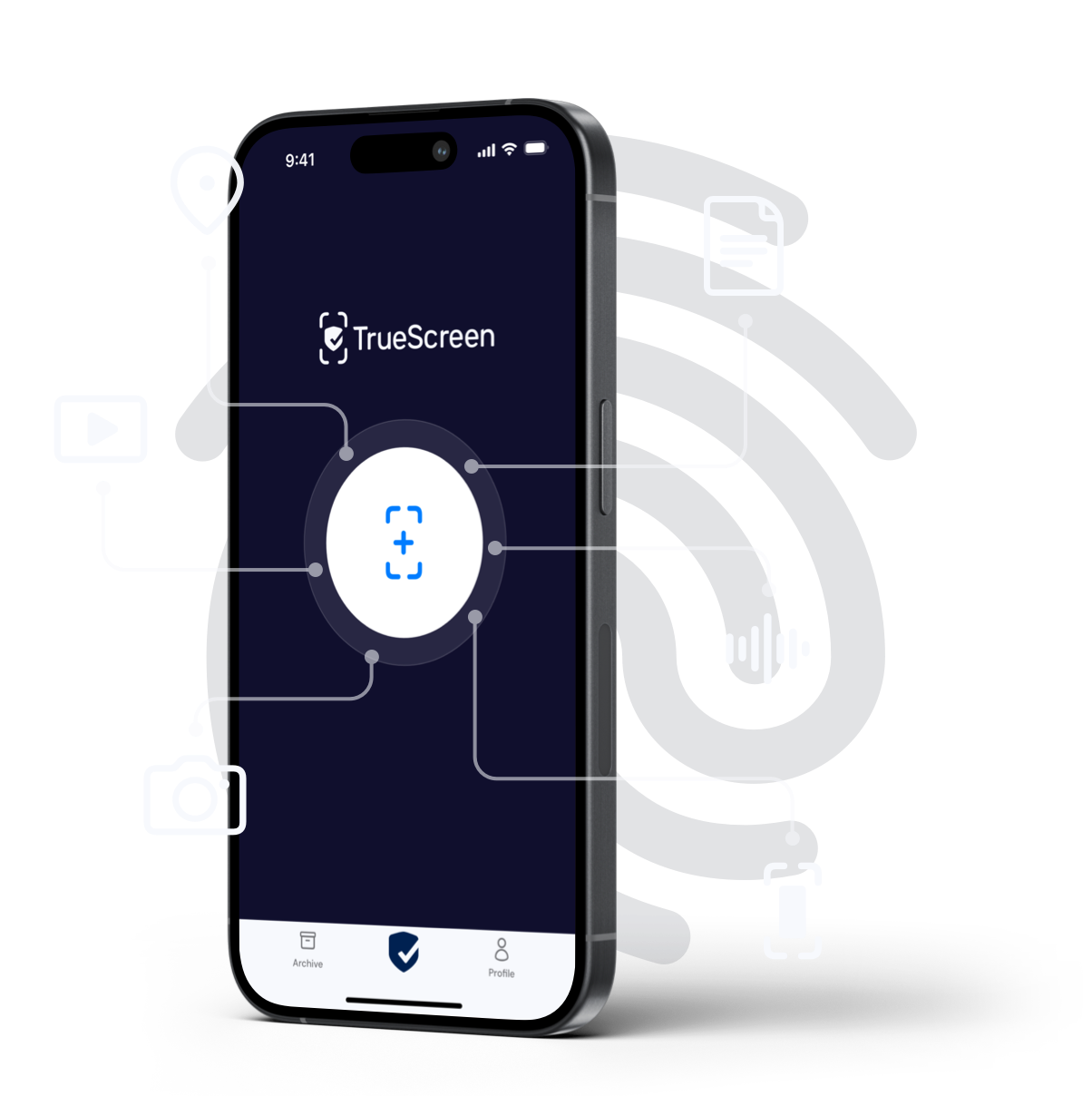
Certification is available across the different capture points. The mobile app lets users acquire certified screenshots and content directly from a smartphone. For web pages, social media and online content, the Forensic Browser and the Chrome extension capture what appears on screen in a certified way. The APIs and SDKs make it possible to embed certification into corporate workflows, from debt recovery to handling disciplinary procedures in HR.
A concrete example: an HR manager who must document conduct in a disciplinary procedure, instead of capturing an easily challenged manual screenshot, acquires the content certified at the source. The result is evidence that carries a hash, a timestamp and a seal from the origin, narrowing the room for any challenge to authenticity.
Practical cases: ordinary screenshot versus certified screenshot
The difference between an ordinary screenshot and a certified one becomes clear in real scenarios. In an employment dispute, a corporate chat documenting instructions or admissions can be decisive, but if captured in an ordinary way it is exposed to the objection "it was edited." The same applies to a fraudulent listing to attach to a complaint: a plain screenshot proves little, while a certified screenshot fixes content, origin and timing in a verifiable way. Those who handle these situations regularly, for example when presenting WhatsApp evidence in court, know well how much this difference weighs.
The table below summarises the comparison applied to three recurring scenarios.
| Dimension | Ordinary screenshot | Screenshot certified at the source |
|---|---|---|
| Origin | Not tracked, asserted by the presenter | Technically documented (device, page, account) |
| Integrity | Presumed, alterable without traces | Guaranteed by SHA-256 hash, alteration detectable |
| Time placement | File date, modifiable | Qualified eIDAS timestamp, opposable to third parties |
| Debt recovery | Challengeable, downgrades to indication | Solid proof of order or confirmation |
| HR disciplinary | Doubtful, exposed to challenge | Defensible, forensic report attachable |
| SME litigation | Weak if the other side has an interest | Resistant to challenge |
For anyone facing the most delicate stage, that of objections in the hearing, it can help to understand how courts treat a screenshot as admissible evidence and which arguments hold before a judge.
FAQ: editing and evidential value of screenshots
Is an edited screenshot detectable?
Can an edited screenshot make you lose your case?
Do screenshots have legal value?
What does it mean to challenge a screenshot?
How do you certify a screenshot for court?
Do WhatsApp screenshots count as evidence?
TrueScreen editorial team
Published on · Updated on
This section is edited by the TrueScreen editorial team, which brings together expertise in digital forensics, the law of digital evidence and regulatory compliance. Every article is checked against primary sources: legislation, published rulings, technical standards and official documentation, always cited in the text.


