
Quishing and QR code scams: how they work and how to collect certified evidence
A QR code on the restaurant menu, one on the parking meter, one on the bill that arrived in the post. We point the camera at them out of habit: a square of black pixels tells you nothing until you go there.
Scammers work that reflex. Quishing moves the deception inside an image: no suspicious link to read, no text for a spam filter to parse, just a code that goes wherever its author decided.
Two questions follow, and almost nobody answers the second. How do you spot a malicious QR code before you scan it? And once the money is gone, how do you prove what happened? Reporting the fraud and getting reimbursed depend on what you can produce, not on how convincing you sound. The usual advice, "take a screenshot with the date and time visible", is the weakest link in that chain.
What is quishing and why email filters miss it
Quishing is a scam that uses a QR code instead of a text link to send the victim to a fraudulent site. It works because security systems read the text of an email, not its images. The code clears the filter, and the recipient opens it on a phone, outside the office network.
How a quishing attack works step by step
The attacker generates a fraudulent QR code pointing at a clone site, a replica of a bank's portal or a council's payment page, then puts it where the victim expects one: on a parking meter, or inside an email dressed up as a delivery notice. Whoever scans it lands on the clone, types in their card details, and the money is gone in minutes.
Why a QR code bypasses automated controls
Quishing grew by 146% in a single quarter. The figure comes from Microsoft's Email threat landscape report for the first quarter of 2026: in March 2026 alone, close to 18.7 million QR code phishing cases were detected, out of 8.3 billion email threats analysed over the quarter. The shift is deliberate. The better filters get at spotting malicious URLs and infected attachments, the more attackers move the payload to where the filter does not look, which is inside an image. A QR code carries no readable words at all. Quishing, also spelled qrishing, describes exactly this: the QR code used as a phishing vector. It sits alongside the variants security teams already know, smishing over SMS and vishing over the phone, with one extra advantage for the attacker. It moves the victim off the protected corporate machine and onto a personal smartphone, where controls are almost always missing.
Where fake QR codes show up: the most targeted places in 2026
Tampered QR codes appear where payment is quick and verification is hard: car parks, EV charging points, paper bills, delivery notices. The logic is always the same. Slot into a context that is already legitimate, where nobody expects a trick because the surface itself looks official.
Parking meters and EV charging points
On 15 May 2026 the Municipality of Riccione reported stickers carrying fake QR codes applied to the parking meters on viale D'Annunzio, on Italy's Adriatic coast. The codes redirected drivers to sites mimicking the official payment portal. The damage here comes twice. The money goes to the scammers, and the parking is never registered in the municipal systems, so the driver also risks a fine for non-payment. The city's road service removed the stickers and reported the case to law enforcement. The warning issued to residents and visitors is blunt: "categorically distrust any QR code that appears as a sticker glued onto the body of the device". The safe channels are the boring ones, coins or a card at the meter, or an authorised app. EV charging points follow the same script, and the long dwell time gives whoever applied the sticker plenty of room to work.
Letters, bills and printed communications
The fake delivery notice works on a channel we trust by default: paper. A card in the letterbox says a parcel is waiting, a QR code unlocks the redelivery, a small fee is due. No filter has ever inspected a sheet of paper.
Corporate email and fake delivery notices
In corporate inboxes the code arrives inside bogus courier notifications or password renewals. Classified-ad fraud runs on the same trick, as in marketplace scams, where payment gets diverted to an external page.
How to spot a QR code scam before you scan
A fraudulent QR code almost always gives itself away twice: on the physical surface, because it was added afterwards, and on the destination page, because the domain does not add up. Five seconds of looking before you scan, one glance at the address before you type anything.
Signals on the physical code
The most reliable signal is layering. A legitimate code is printed into the sign or the machine, so anything sitting on top of it was put there by someone else.
Signals on the destination page
Read the domain before you enter anything. A city council does not collect payments on a site with a generic name, and a bank never asks for a full password or an OTP code on a page reached through an external code.
| Signals on the physical code | Signals on the destination page |
|---|---|
| Sticker layered over the original code, raised or misaligned edges | Domain different from the official one of the institution or bank |
| Print quality that differs from the rest of the panel | Request for full card details, passwords or OTP codes |
| Code glued onto a machine body, a pole or a shop window instead of printed into the surface | Pixelated logos, language errors, missing certificate |
| No logo, or a code added by hand to a letter | A chain of redirects towards unexpected domains |
What to do after a quishing attack: the evidence disappears fast
Anyone who has scanned a fraudulent QR code has a few useful hours. First block the card and call the bank, then collect the evidence before it vanishes, because the sticker gets removed within hours and the clone site goes offline within days. Reporting the crime comes after that.
The evidence to collect right away
- Block the card and report the unauthorised transaction to your bank immediately.
- Photograph the physical QR code and the whole surface before anyone removes it.
- Capture the fraudulent page with the full address clearly visible.
- Keep every email, SMS or message that carried the code.
- Save bank statements, receipts and any reference tied to the transaction.
Why a plain screenshot may not be enough
A screenshot with the date and time visible is the advice you hear everywhere, and it is also the most fragile. In many jurisdictions a screenshot is a mere representation that the opposing party can dispute, and once it is disputed the burden swings back to whoever produced it. US procedure sets out the mechanism plainly. Rule 901 of the Federal Rules of Evidence requires the party offering an item to produce evidence sufficient to support a finding that it is what it claims to be. Rule 902(13) and 902(14) then carve out an exception: records generated by an electronic process, and data copied from a device and identified by a hash value, are self-authenticating when certified by a qualified person. An image pulled off a phone, with nothing verifiable about when or how it came into existence, sits nowhere near that standard. What counts is the moment the evidence is formed, not the moment it is shown: this is the source-level certification approach adopted by TrueScreen.
How do you certify evidence of a QR code scam?
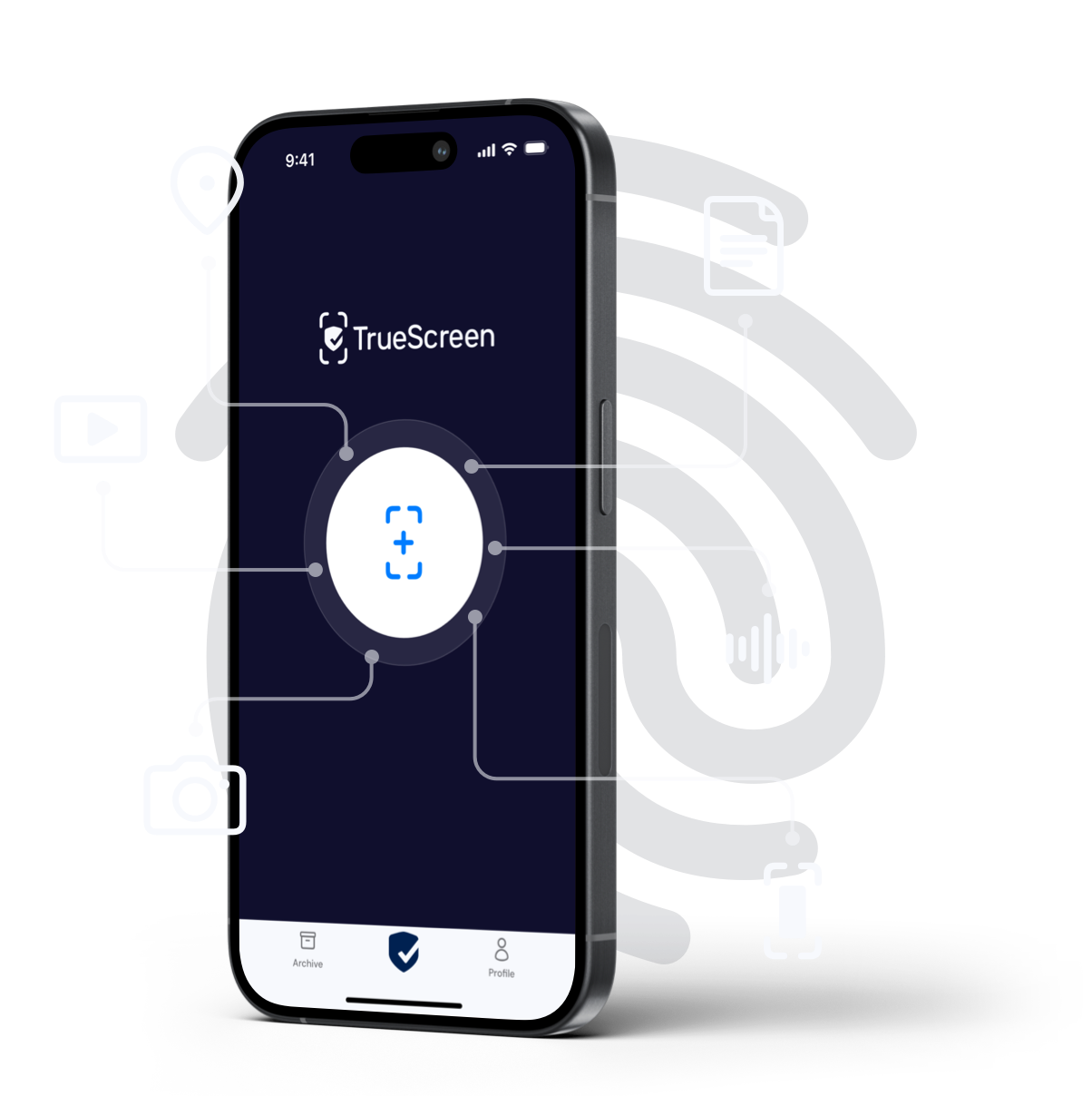
TrueScreen certifies the photograph of the tampered QR code at the very moment it is taken, binding integrity, a certain date and provenance to it. The acquisition runs with forensic methodology straight from the app: the image is created and sealed on the spot, with its context data, rather than fished out of the camera roll days later. Each acquisition carries the electronic seal of a third-party qualified QTSP, integrated via API, along with a qualified electronic timestamp. Under the eIDAS Regulation (EU) No 910/2014, a qualified timestamp carries a legal presumption of the accuracy of the date and time it shows and of the integrity of the data bound to it. Whoever receives the file can check that the content has not been altered since acquisition, and when that acquisition took place. The argument moves from one person's word to technical elements anyone can verify independently.
Certifying the physical QR code and the clone site
Evidence of a quishing attack is twofold and volatile. You need the physical code, you need the page, and neither stays in place for long. Back to viale D'Annunzio. A driver scans the QR code on the parking meter, pays on a site that replicates the municipality's own, and days later finds unrecognised charges and a fine for non-payment. He goes back to the meter: the sticker is gone, removed by the city. He opens the site: offline. Without evidence captured while the QR code and the site still existed, it is his word against a bank statement. With the app you can certify the photo of the QR code while you are standing in front of it, and with the forensic browser or the extension you can capture the fraudulent page from your browser. Organisations use TrueScreen to capture the clone site before it is taken down, obtaining an acquisition that holds up when reporting the fraud.
From certified evidence to a report
Certified acquisitions get attached to the police report, the bank claim and the chargeback request. ISO/IEC 27037 sets out the guidelines for identifying, collecting, acquiring and preserving digital evidence, and it keeps returning to chain of custody: who touched the data, when, and under what guarantee of integrity. A certified acquisition carries that answer with it, in quishing as in romance scams, where collecting evidence early decides the outcome.
The legal picture: fraud, impersonation and reimbursement
Whoever runs a QR code scam generally answers for computer fraud and, where the clone site passes itself off as a real institution, for impersonation. No jurisdiction has a crime called "quishing". The conduct gets mapped onto offences that already exist.
How QR code fraud is framed
Computer fraud and impersonation are the two categories that cover a quishing attack in most legal systems. The first punishes obtaining an unjust profit by interfering without right with the operation of a computer system or with data, and it is the rule that reaches the payment diverted to the scammer's account. The second covers deceiving someone by assuming a false identity or attributing a false name or status, which is precisely what a page presenting itself as a council portal or a bank does. The two run together inside the same attack, and prosecutors usually charge both. On the evidence side the reference point in Europe is the eIDAS Regulation (EU) No 910/2014, which sets the rules for qualified electronic timestamps and qualified electronic seals. Keep the distinction straight: a digital signature is what a person applies to a document, while an electronic seal is what certifies the integrity and authenticity of a photo, a video or a captured web page.
Bank reimbursement and the burden of proof
Banks do not refund automatically. Under PSD2, the EU payment services rules, the provider has to refund an unauthorised payment transaction, normally by the end of the following business day. It can push back by arguing the customer acted with gross negligence, since the card details were typed in voluntarily. A chargeback runs on the same argument, and needs documentation behind it. Everything turns on the quality of the evidence, and the European Commission's anti-fraud portal collects the reporting channels used across the EU.
FAQ: frequently asked questions about quishing
What does quishing mean?
What is the parking meter sticker scam?
Is a screenshot of the scam site enough as evidence?
How can I validate a QR code before scanning it?
Is a QR code a virus?
What should I do right after scanning a malicious QR code?
Is the bank required to refund a quishing scam?
What crime does creating a fake QR code constitute?
TrueScreen editorial team
Published on · Updated on
This section is edited by the TrueScreen editorial team, which brings together expertise in digital forensics, the law of digital evidence and regulatory compliance. Every article is checked against primary sources: legislation, published rulings, technical standards and official documentation, always cited in the text.
Editorial Team and Methodology →

