Certify one or more digital files with legal value
Upload the files you already have, in any format, and turn them into certified evidence. TrueScreen attests their content and integrity at the source, with a timestamp and legal value.
Why certify your files
A plain copy of a file proves nothing about when it existed or whether it was altered. When a dispute or a formal request arrives, you need evidence that nobody can question.
Proof of integrity
Show that a file has not been modified since the moment it was certified.
Trusted date
Fix a certain date and time on documents, receipts and exported files, recognized as reliable.
Any format accepted
Certify documents, images, video, audio and more, without converting or preparing them first.
What makes a file incontestable
Digital evidence must be collected without alteration, carry a trustworthy date and origin, and keep a documented chain of custody. TrueScreen delivers this at the source: an official seal and timestamp with legal value, plus time and GPS on every certification. Unlike an ordinary file copy, it cannot be edited or contested.
How certification works
Every certification follows the same forensic process, turning the files you upload into evidence with legal value, from acquisition to preservation.
Forensic acquisition
Capture preserves authenticity at the source, with no alteration by AI, people or software.
Verification
The acquired information is verified before it is sealed.
Certification
An official digital seal and timestamp are applied, internationally recognized and legally incontestable.
Preservation
Certified evidence is kept on secure systems, ready for the file.
How it works
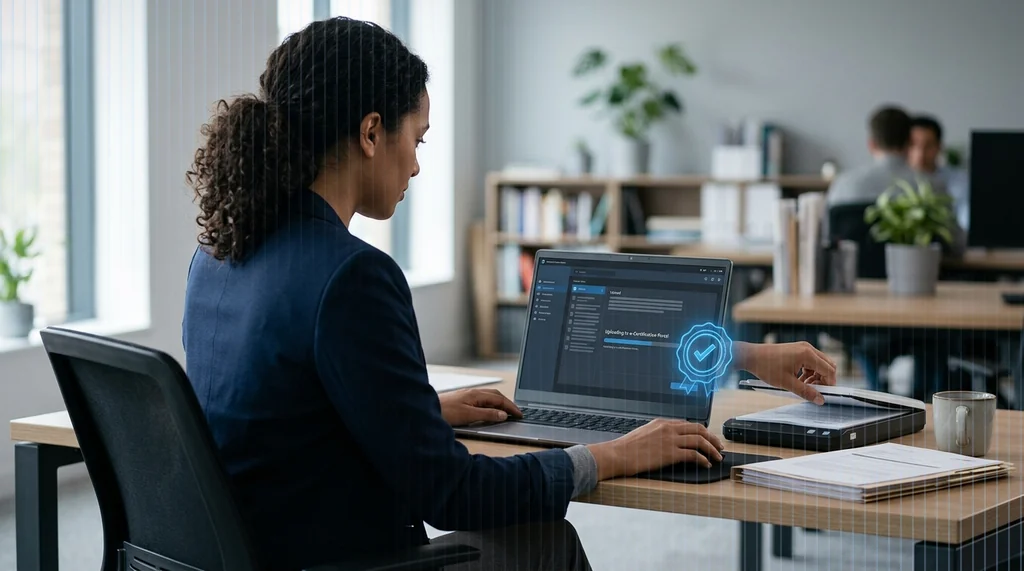
Start the TrueFlow, upload one or more files and add an optional note. The certificate is ready in moments.

Upload the files
Select one or more files of any format already on your device.
What you get
Each certification produces a report that stands on its own, ready to attach to a file or share with a third party.
- Sealed at the source. Content and integrity are fixed the moment the files are certified.
- Trusted timestamp. An official date and time, recognized internationally.
- Time and GPS. Every certification records when and where it was made.
- Any format. Documents, images, video, audio and more, with no limits.
- Incontestable proof. Evidence that stays incontestable whenever it is needed.
Platforms and integration
File certification is available on the TrueScreen App and Web Portal, and can be integrated into your own systems.
- App. Certify files from the TrueScreen App on iOS and Android.
- Web Portal. The same flow from the browser, with no App to install.
- API and SDK. Integrate file certification directly into your business systems.

About TrueScreen
TrueScreen is the Data Authenticity Platform that enables businesses and professionals to guarantee the authenticity and reliability of digital information, making critical processes faster, fraud-proof, and compliant with regulations. Through forensic-grade data capture, verification, and certification, combined with end-to-end provenance, TrueScreen guarantees the authenticity, traceability, and legal validity of digital information throughout its entire lifecycle.
Certify your files now
Upload your files and get a certificate with legal value.


