How to Certify an Email in 3 Steps

Certifying an email takes less than a minute. Add TrueScreen to your email thread in CC or BCC, and receive a forensic report with digital seal, certified timestamp, and full header preservation. Court-ready email authentication for contract disputes, harassment cases, or regulatory compliance: add, send, done.

Step by Step

Certify any email in three steps

1

Open TrueScreen

Open your regular email client (Gmail, Outlook, or any other). Find the personalized TrueScreen email address assigned to your organization in the portal. No plugins, extensions, or additional software required.

2

Add TrueScreen to the Thread

Add the TrueScreen email address (found in your workspace) to the CC, BCC, or TO field of the message you want to certify. TrueScreen automatically captures the entire communication: headers, message body, and all attachments. This process can also be automated through mail server rules or via API.

3

Get Your Certified Report

Within seconds you receive your forensic report: qualified digital seal, certified timestamp, hash verification, and chain of custody. Your email certification is complete: the message is now solid digital evidence ready to support your case.

Web & app

Certify emails from web or app

Get your personalized TrueScreen certification address and manage every certified email, from your computer or your phone. Both give you the same court-ready forensic report.
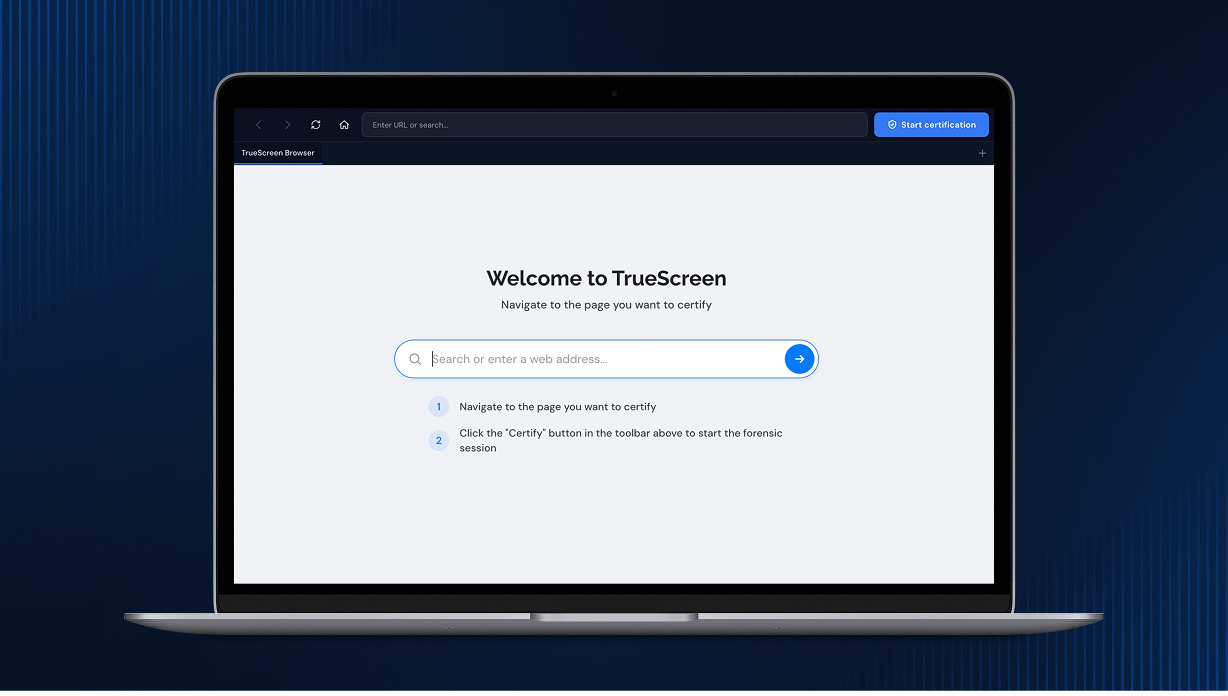
TrueScreen Web Portal
TrueScreen Web Portal · Any browser
Grab your personalized certification address, add it in CC or BCC, and manage every certified email directly from your browser. No installation required.

Start now

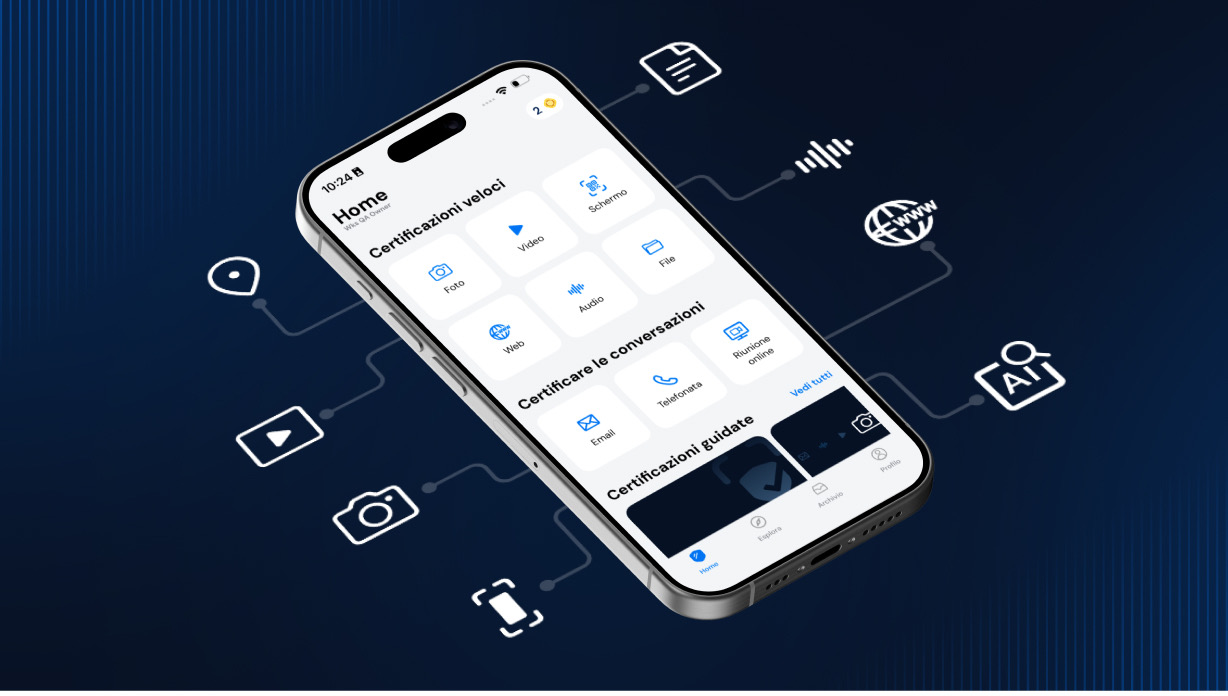
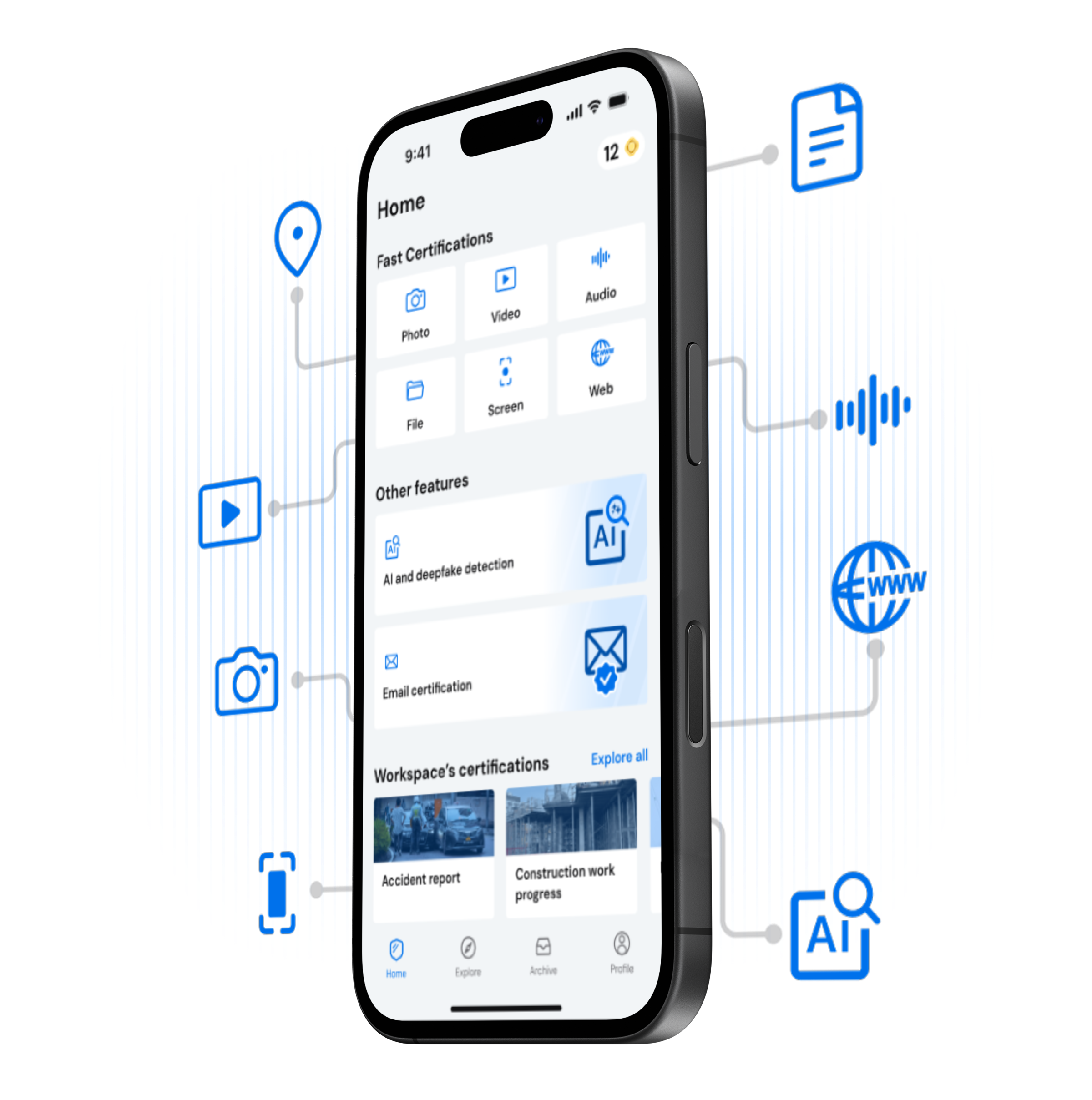
TrueScreen Mobile App
TrueScreen Mobile App · iOS & Android
Access your certification address and all your certified emails from your phone. Perfect for certifying and reviewing messages on the go.

Download the app

Watch how easy it is to certify an email

Watch the full email certification process. Adding TrueScreen to the thread and certifying takes under a minute.

What You Get

Every Certified Email Includes

Forensic Report

A court-ready PDF documenting every detail of the forensic email acquisition per ISO 27037 guidelines. Suitable as digital evidence in civil and criminal proceedings.

Digital Seal

A qualified digital seal under eIDAS (EU 910/2014), issued through a qualified trust service provider, secures your certified email. Any alteration to subject, body, or attachments breaks the cryptographic seal and is immediately detectable.

Certified Timestamp

Legally binding date and time from a Qualified Trust Service Provider (RFC 3161). Impossible to backdate or alter.

Email Headers

Full email header data: sender IP, routing path, DKIM signatures, and SPF records are captured and preserved. This metadata proves the origin and delivery path of the message.

Transmission Metadata

Mail server, client application, transmission protocol, and encoding data captured during acquisition. A complete digital fingerprint that makes the origin of the email verifiable.

Chain of Custody

Every step from email receipt to certification is logged and cryptographically sealed. An unbroken chain of custody guarantees your email evidence has never been tampered with.

CERTIFY

Start Certifying Your Emails with TrueScreen

Three steps, less than a minute. TrueScreen, the Data Authenticity Platform, uses a patented forensic process to give your emails full legal value. Just add, send, done.
Benefits

Why Certified Emails Win in Court

Indisputable Proof

Each certified email is sealed with a cryptographic hash, digital seal, and certified timestamp (RFC 3161). Any modification to subject, body, headers, or attachments breaks the seal immediately.

Trust

Courts, insurers, and regulators accept TrueScreen certificates because the process complies with eIDAS, RFC 3161, and ISO 27037.

Compliance & Security

GDPR, NIS2, SOC 2, end-to-end encryption. Compliant with eIDAS, ISO 27037, DORA, and international cybersecurity frameworks.

PEC (Posta Elettronica Certificata) certifies that a message was sent and delivered: it is the digital equivalent of a registered letter with return receipt. PEC does not certify the content of the email, only the transmission event.

TrueScreen email certification does the opposite: it captures and certifies the actual content of any email (standard email, Gmail, Outlook, or PEC), including headers, body, attachments, and metadata. The result is a forensic report with digital seal and qualified timestamp that proves what the email contained at a specific moment in time.

In short: PEC proves you sent something. TrueScreen proves what you sent, what you received, and what it contained. The two are complementary: you can certify the content of a PEC message with TrueScreen for complete legal coverage.

Use Cases

Contract Dispute Resolution

Certify email threads about contract negotiations, payment terms, or scope changes. A timestamped, signed record of every message proves who agreed to what and when.

Harassment and Threat Evidence

Preserve threatening emails, harassment messages, or abusive communications with forensic certification. Certified email with full headers proves sender identity and delivery time.

Vendor and Supplier Agreements

Certify pricing confirmations, delivery commitments, or partnership terms exchanged via email. A forensic record with digital seal and timestamp protects both parties in B2B relationships.

Regulatory Compliance Documentation

Archive compliance-critical emails with forensic certification. Certified timestamp and digital seal satisfy audit requirements for GDPR, financial regulations, and data retention policies.

Frequently Asked Questions

Any email sent through your regular email client: business correspondence, contracts, threats, customer communications, and more. Simply add the TrueScreen address in CC, BCC, or TO. Each certification preserves headers, body, and attachments with a forensic report.

Simply copy the personalized TrueScreen email address from your portal workspace and paste it into the CC, BCC, or TO field of any email you want to certify. No plugins, extensions, or additional software required.

Full evidentiary value. A qualified digital seal (eIDAS) and RFC 3161 certified timestamp give the email strong evidentiary weight across EU member states and eIDAS-compliant jurisdictions.

Yes. TrueScreen captures and certifies the complete email including headers, routing information, DKIM signatures, SPF records, body text, and all attachments.

It never expires. The digital seal and certified timestamp permanently seal your email. Your evidence remains valid indefinitely.

Yes. You can create mail server rules to automatically add the TrueScreen address to specific email threads. Organizations can also use TrueScreen APIs for deeper customization and no-code integrations for quick setup.

Flexible plans for individuals, professionals, and enterprises. Start with a free trial, or contact sales for volume pricing.

Start Certifying Your Emails Now

Thousands of professionals already certify their emails with TrueScreen. Try it free.