Updated on
Zoom, Teams, Meet: Certify Video Calls on Any Platform
When the content of a video call becomes relevant for litigation, a disciplinary procedure, or a compliance audit, the native format falls short. The opposing party can challenge the file’s authenticity, and without technical safeguards the court has no objective tools to assess its integrity. The problem is not the platform: it is the absence of certification.
The solution is platform-independent. Online meeting certification operates at the screen recording level: it captures the device’s screen during the video call, applying a digital signature and qualified timestamp at the moment of acquisition. It works on Zoom, Teams, Meet, and any other video conferencing platform.
This insight is part of our guide: Certified Online Meeting Recording: Legal Cases
The limitations of native recordings: Zoom, Teams, and Meet compared
Zoom: local and cloud recording without cryptographic protection
Zoom offers two recording modes: local (saved on the user’s device) and cloud (stored on Zoom’s servers). In both cases, the output is a standard .mp4 file. Local recordings can be edited with any video editing software. Cloud recordings are accessible to account administrators and can be downloaded, shared, and potentially modified before being presented as evidence.
Zoom does not apply a digital signature to recorded files. It generates no qualified timestamp. It does not document the chain of custody. The file is usable for internal purposes, but in an evidentiary context it is vulnerable to challenges.
Microsoft Teams: integrated recording with similar constraints
Microsoft Teams saves recordings to OneDrive or SharePoint, depending on the organisation’s configuration. The format is .mp4. Recordings are subject to the organisation’s retention policies and may be automatically deleted after a configured period. As with Zoom, there is no cryptographic signature, no qualified timestamp, and no documented chain of custody.
A specific aspect of Teams concerns automatic transcription: it is generated alongside the recording, but it too is an editable text file with no integrity protections.
Google Meet: cloud recording with limited access controls
Google Meet records directly to the organiser’s Google Drive. The file is a .mp4 accessible to those with permissions. As with the other platforms, the recording has no native cryptographic protections. Google does not certify the content, does not apply a digital signature, and generates no immutable acquisition metadata.
The common denominator is clear: no video conferencing platform produces recordings with autonomous legal value. All generate editable files lacking the technical guarantees required for full evidentiary weight.
Platform-agnostic certification: how it works
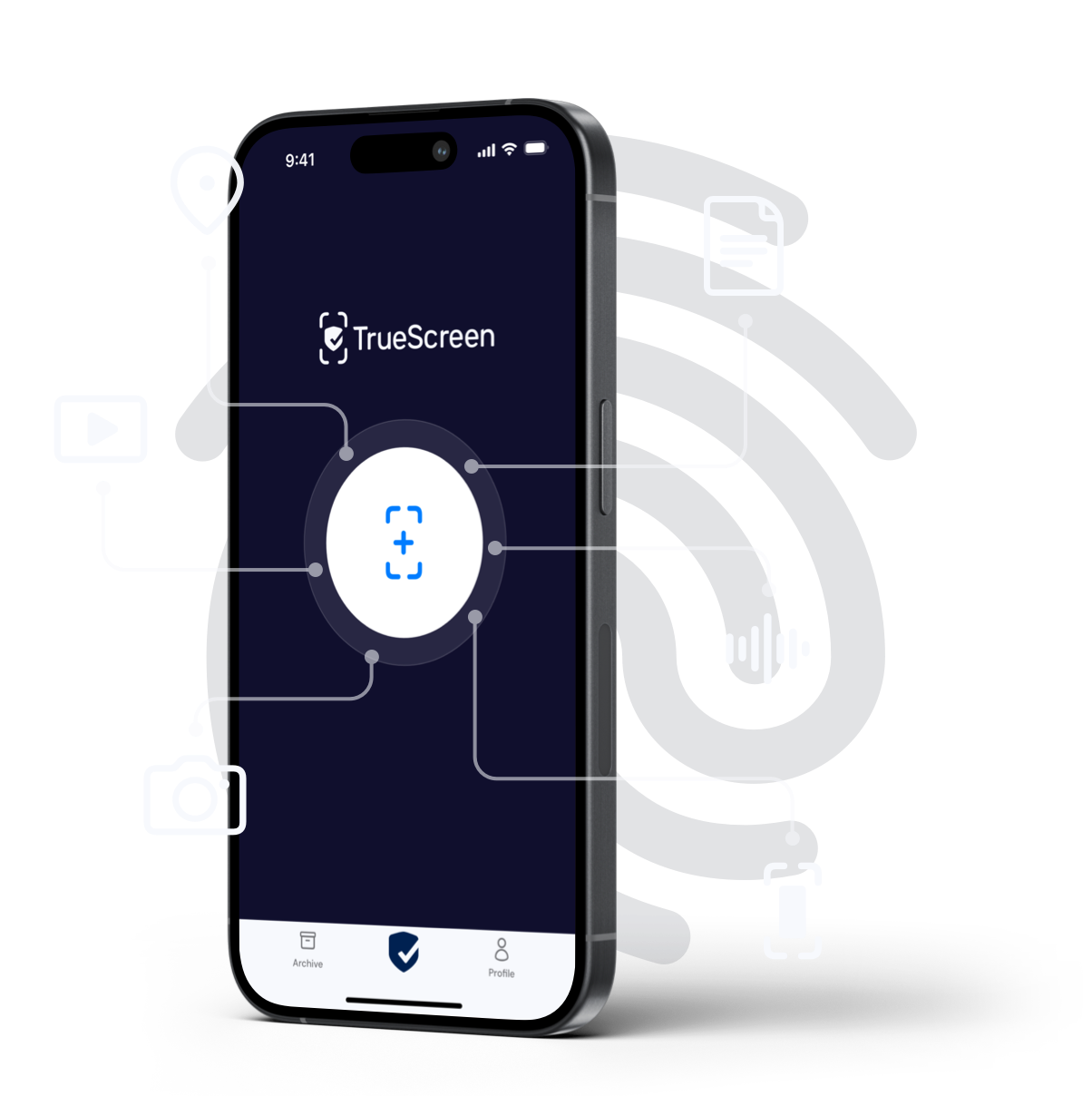
Certifying video calls does not require integration with the platform being used. TrueScreen operates at the certified screen recording level: it captures everything displayed on the device’s screen during the video call, regardless of the application in use.
The process works as follows: the user initiates certification before or during the meeting. TrueScreen records the screen while applying a digital signature and qualified timestamp in real time. Upon completion, the resulting file includes immutable metadata: date, time, cryptographic hash of the content, and the certifier’s identity. The file is protected from acquisition: any subsequent modification is detectable.
This approach has a structural advantage. It does not depend on Zoom, Teams, or Meet APIs. It requires no administrative permissions on the platform. It works with any video conferencing software, including less common platforms such as Webex, GoTo Meeting, or Jitsi. Certification is independent of the call technology: it depends solely on the user’s device.
Evidentiary value: what certification changes
The eIDAS Regulation (Article 46) establishes that electronic documents cannot be denied legal effects solely because they are in electronic form. Article 25 further provides that a qualified electronic signature has the legal equivalent of a handwritten signature across all EU member states. Under ISO/IEC 27037, digital evidence must be acquired in a manner that preserves its integrity and documents the chain of custody.
A certified screen recording satisfies all three requirements simultaneously: the digital signature guarantees authenticity, the qualified timestamp establishes temporal certainty, and the immutable metadata documents the acquisition process. Challenging a certified recording requires demonstrating that the digital signature was compromised or the timestamp falsified: a burden of proof that is nearly impossible to meet in practice.
For organisations that use multiple video conferencing platforms daily, platform-agnostic certification ensures a uniform level of evidentiary protection, regardless of which tool is chosen for any given call.

FAQ: Certifying Zoom, Teams, and Meet video calls
Do native Zoom, Teams, or Meet recordings have legal value?
Does certification work on all video conferencing platforms?
Is a technical integration with Zoom or Teams required to certify a meeting?
TrueScreen editorial team
This section is edited by the TrueScreen editorial team, which brings together expertise in digital forensics, the law of digital evidence and regulatory compliance. Every article is checked against primary sources: legislation, published rulings, technical standards and official documentation, always cited in the text.


