
How to Certify a Screenshot with Legal Value
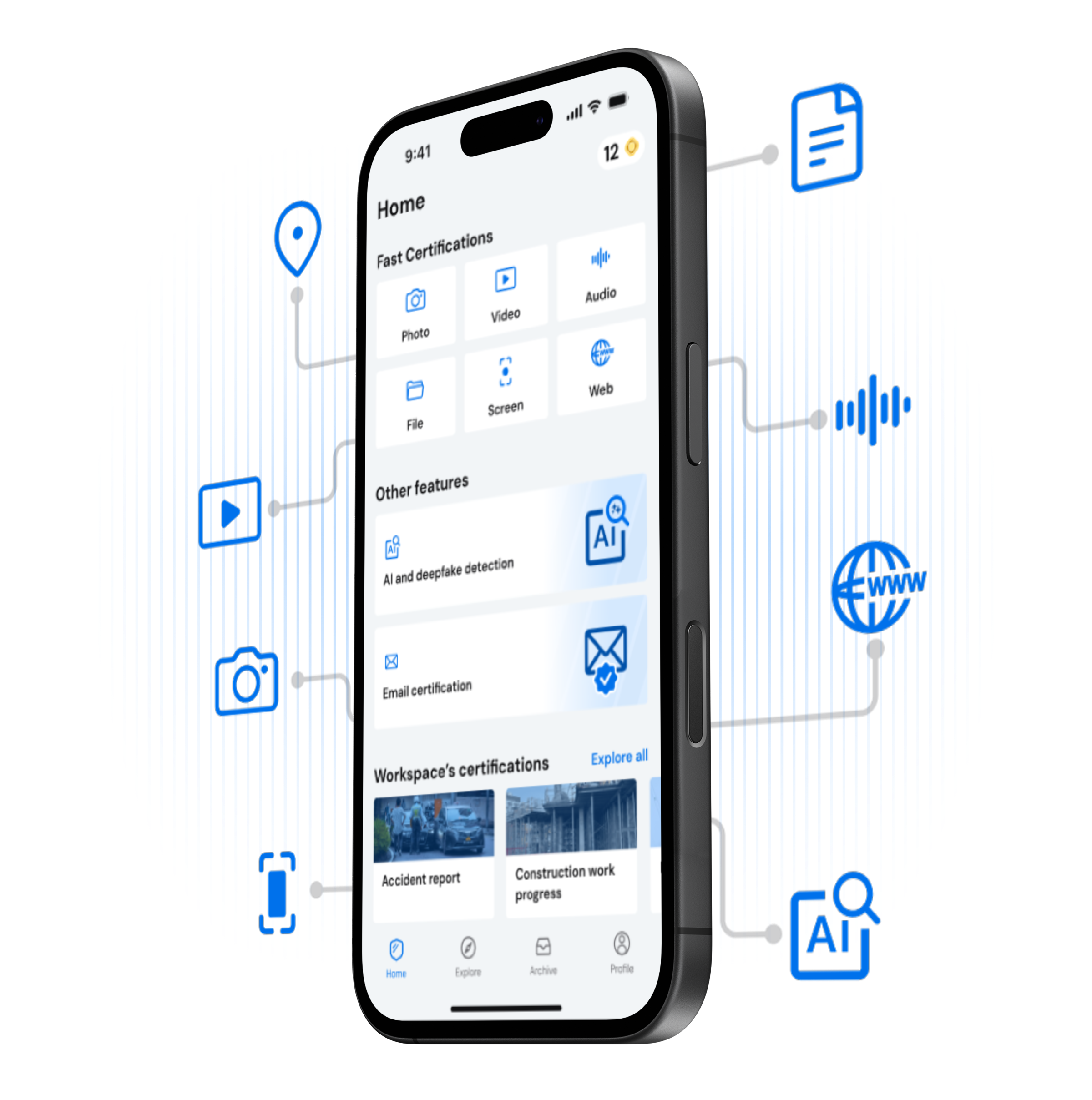
Certifying a screenshot takes just a few minutes. Open the TrueScreen app, record your screen, select key frames, and receive a forensic report with digital signature, certified timestamp, and device metadata. Court-ready screen evidence for defamation cases, online fraud, or price disputes: record, select, certify.
Step by Step
Certify a Screenshot in Three Steps
What You Get
Every Certified Screenshot Includes


Forensic report
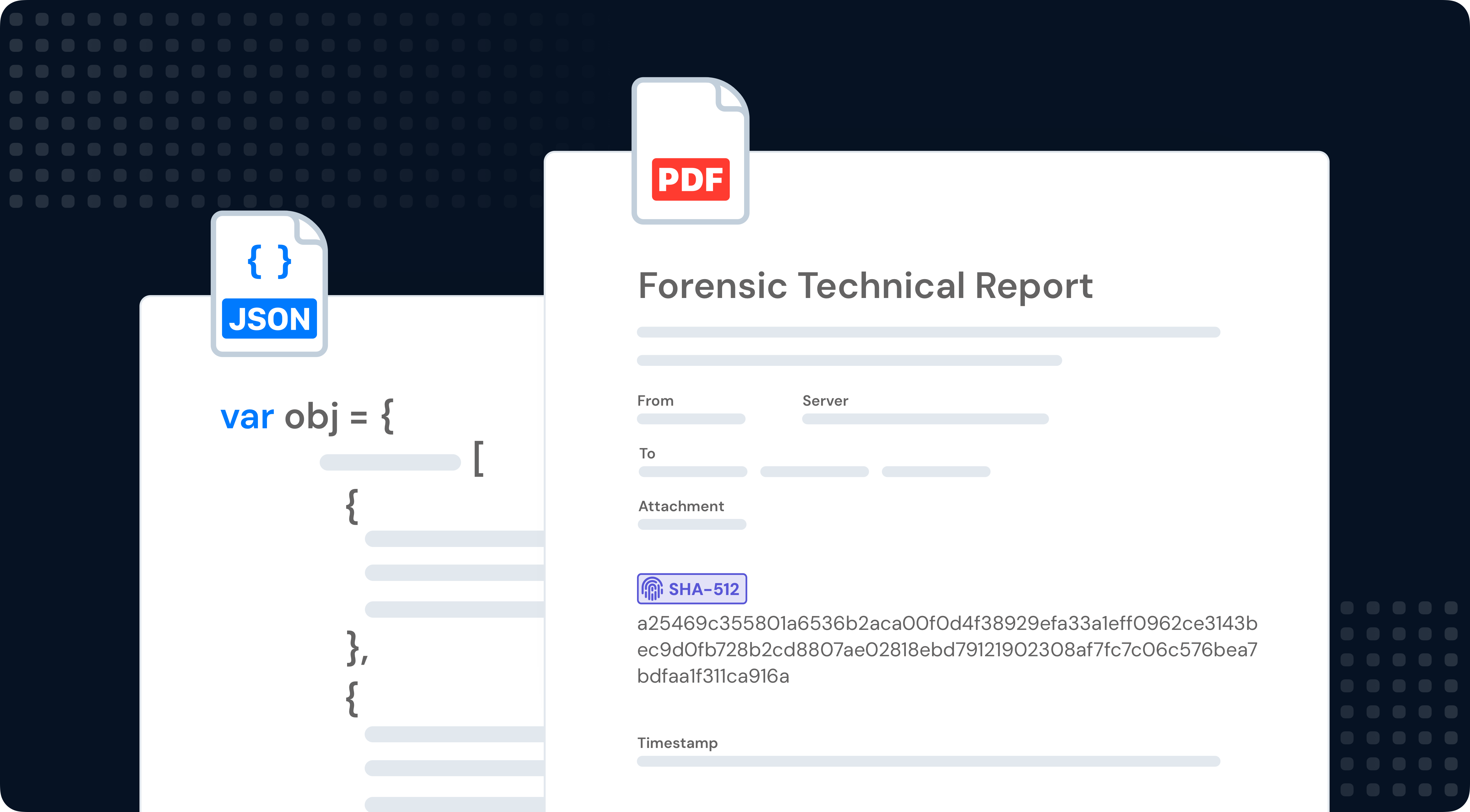
Your Forensic Report, Explained
Every screenshot certification generates a forensic report in PDF: cryptographic hash, digital signature, certified timestamp, device fingerprint, and chain of custody. Built on ISO 27037, ready to be presented to courts, legal teams, and regulators.
SECURE ARCHIVE
Manage Your Certified Screenshots
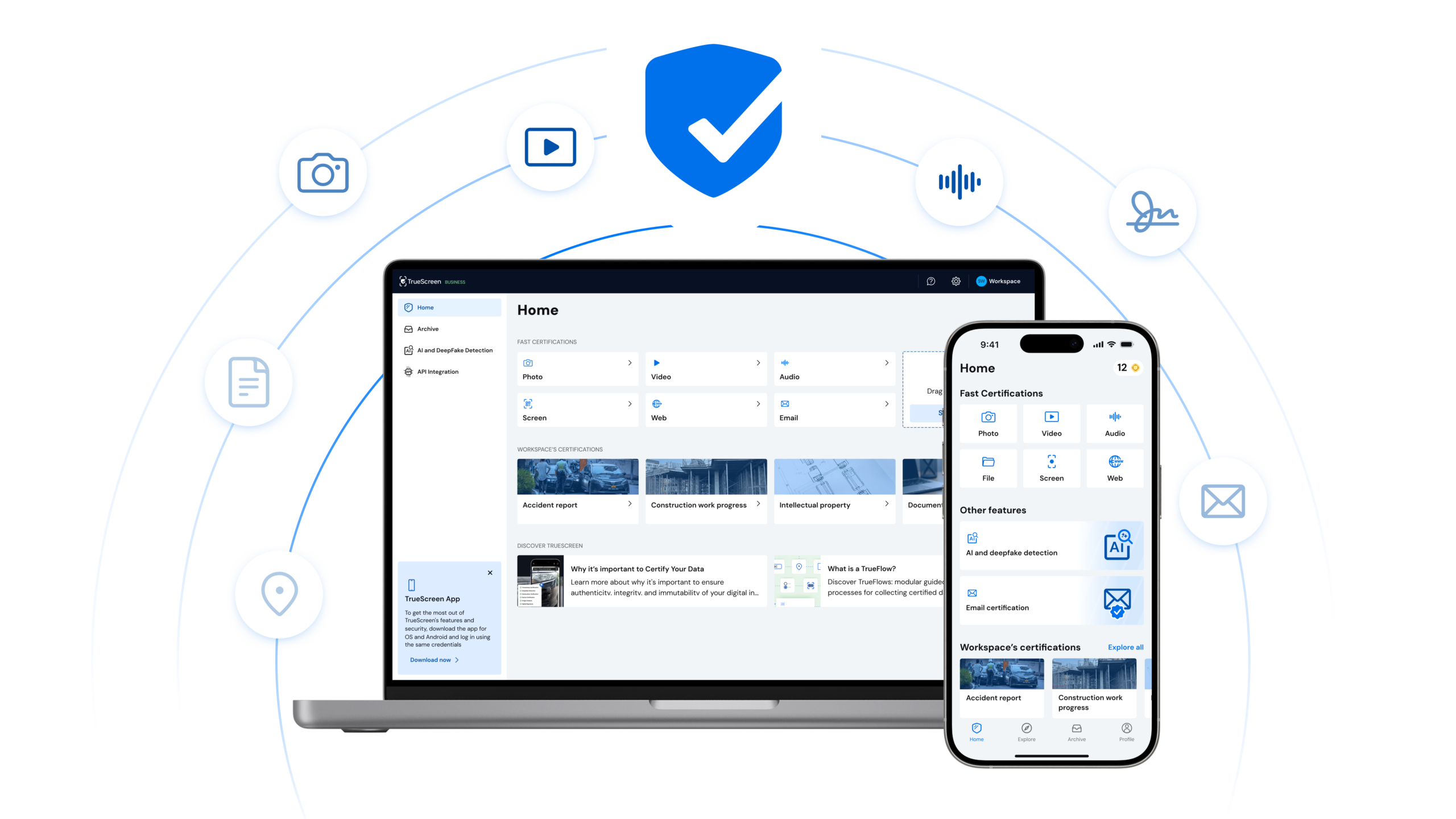
Access all your certifications from one place. View, download, and share certified screenshots. Manage your team and handle screenshot certification at scale from your browser.
Benefits