How to Certify a File with Legal Value

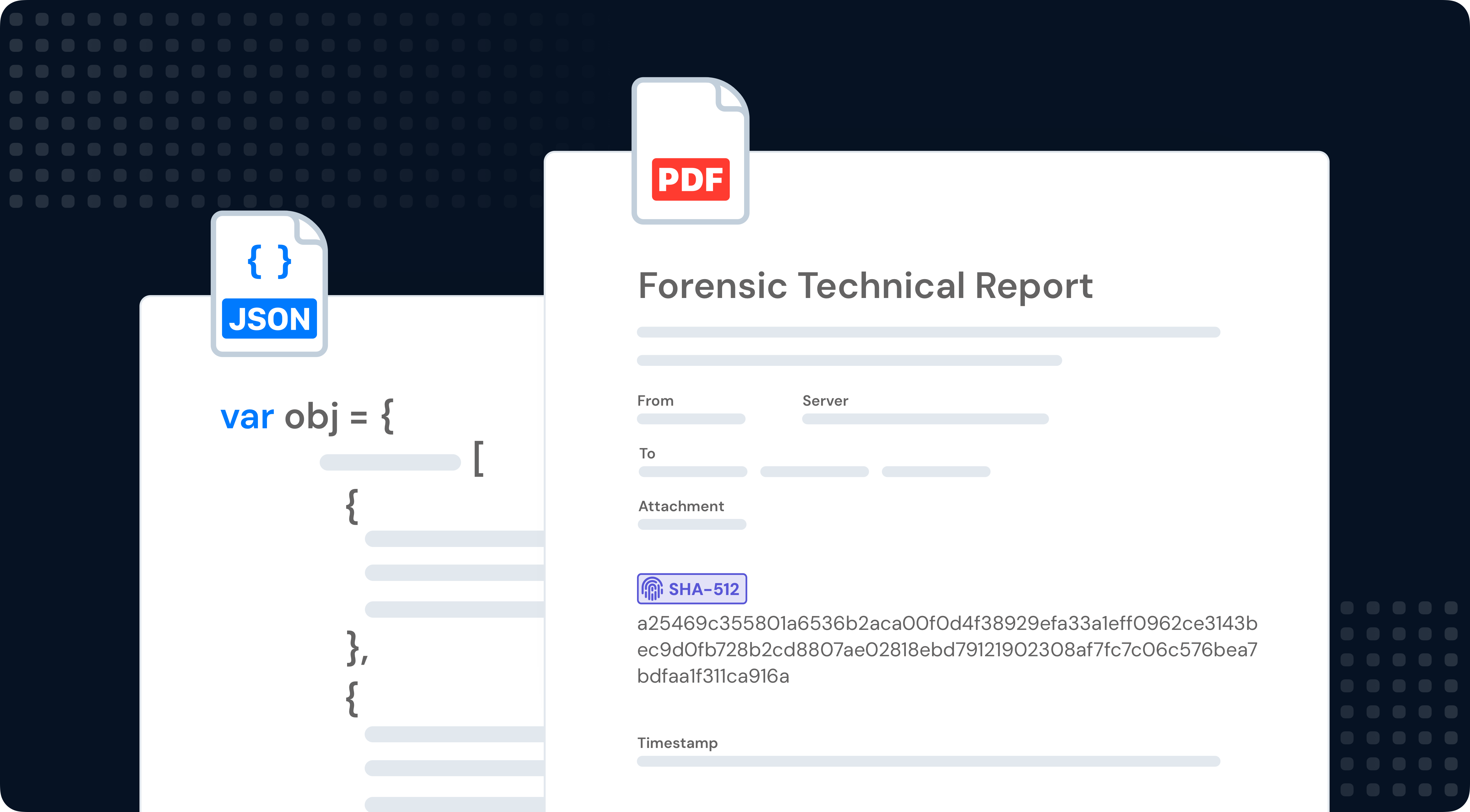
Certifying a file takes less than a minute. Upload any digital file to TrueScreen and receive a forensic report with digital signature, certified timestamp, and hash verification. Court-ready file authentication for contracts, reports, or deliverables: upload, certify, done.

Step by Step

Certify a File in Three Steps

1

Open TrueScreen

Open the TrueScreen app or log in to the portal from any browser. In the app, tap the central button and select “Import from File” for documents, PDFs, or ZIPs, or “Import from Camera Roll” for photos and videos from your library.

2

Upload the File

Select your file from the device or upload it through the portal. TrueScreen computes a cryptographic hash of every byte and locks it with device metadata at the moment of acquisition. You select the file, the platform handles the rest.

3

Get Your Certified Report

Within seconds you receive your forensic report: qualified digital signature, certified timestamp, hash verification, and chain of custody. Your file certification is complete: the document is now court-admissible digital evidence.

Watch how easy it is to certify a file

Watch the full file certification process. Uploading and certifying takes under a minute.

What You Get

Every Certified File Includes

Forensic Report

A court-ready PDF documenting every detail of the forensic file acquisition per ISO 27037 guidelines. Admissible as digital evidence in civil and criminal proceedings.

Digital Signature

A qualified digital signature under eIDAS (EU 910/2014) seals your certified file. Any alteration to even a single byte breaks the cryptographic seal and is immediately detectable.

Certified Timestamp

Legally binding date and time from a Qualified Trust Service Provider (RFC 3161). Impossible to backdate or alter.

GPS Coordinates

Full file metadata is captured: filename, size, format, creation date, and modification history. This data proves the exact state of the file at the moment of certification.

Device Metadata

Upload source, browser, operating system, and network data captured during the acquisition. A complete digital fingerprint that makes the submission context of the file verifiable.

Chain of Custody

Every step from file upload to certification is logged and cryptographically sealed. An unbroken chain of custody guarantees your file evidence has never been tampered with.

UPLOAD

Open TrueScreen and Start Certifying Files

Three steps, less than a minute. TrueScreen, the Data Authenticity Platform, uses a patented forensic process to give your digital files full legal value. Just upload, certify, done.

Download TrueScreen on App Store
Get TrueScreen on Google Play

Forensic report

Your Forensic Report, Explained

Every file certification generates a forensic report in PDF: cryptographic hash, digital signature, certified timestamp, file metadata, and chain of custody. Built on ISO 27037, ready to be presented to courts, auditors, and regulators.

SECURE ARCHIVE

Manage Your Certified Files

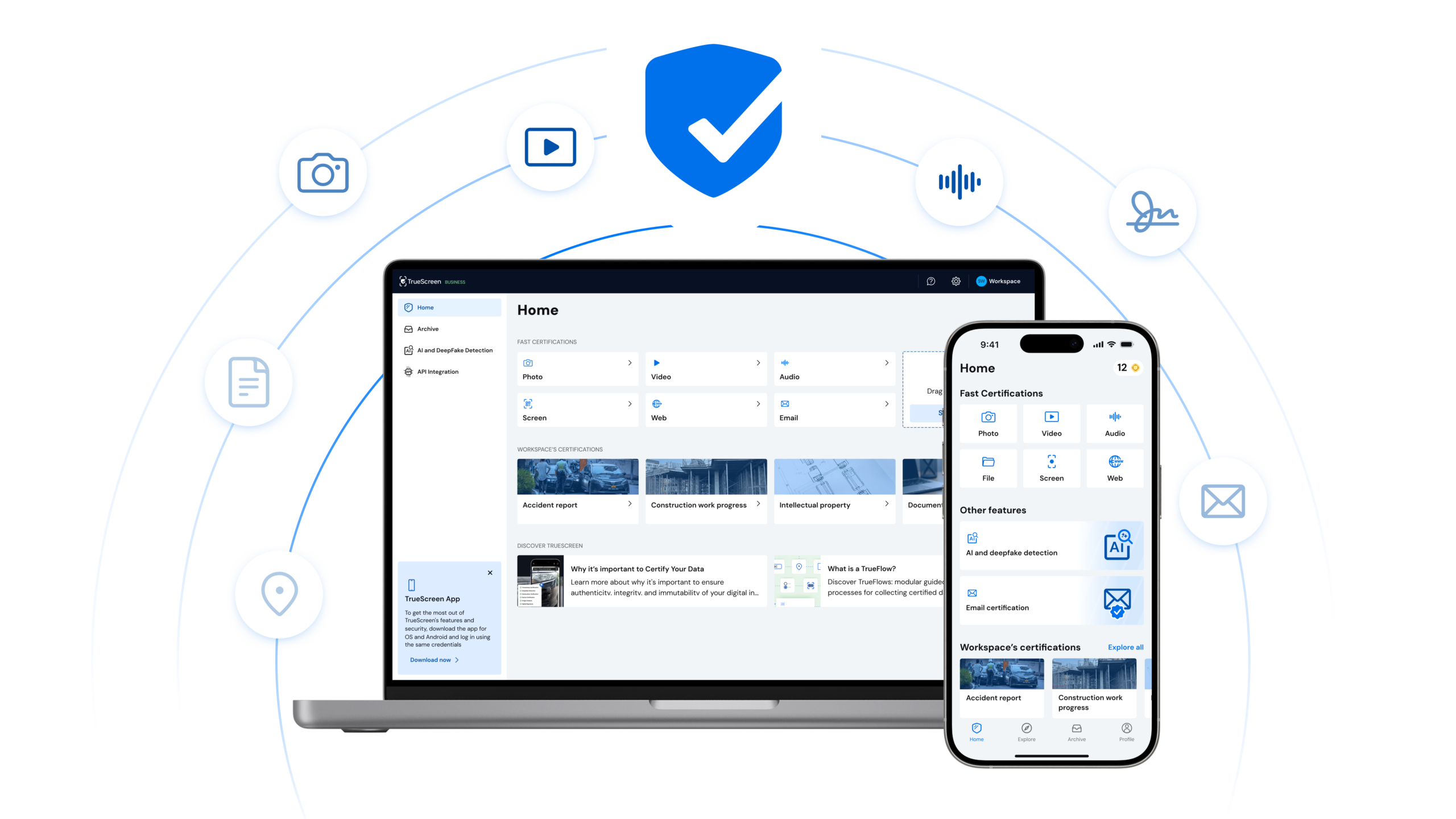
Access all your certifications from one place. View, download, and share certified files. Manage your team and handle file certification at scale from your browser.
Benefits

Why Certified Files Win in Court

Indisputable Proof

Each certified file is sealed with a cryptographic hash, digital signature, and certified timestamp (RFC 3161). Any modification to even a single byte breaks the seal and is immediately detectable.

Trust

Courts, insurers, and regulators accept TrueScreen certificates because the process complies with eIDAS, RFC 3161, and ISO 27037.

Compliance & Security

GDPR, NIS2, SOC 2, end-to-end encryption. Compliant with eIDAS, ISO 27037, DORA, and international cybersecurity frameworks.

Use Cases

Contract and Agreement Certification

Certify signed contracts, proposals, or NDAs at the moment of execution. A forensic report with digital signature and timestamp proves the exact document version that both parties agreed to.

Financial Report Authentication

Certify balance sheets, audit reports, or tax filings before submission. Certified financial files with timestamp and hash verification prove the document was not altered after certification.

CAD and Blueprint Versioning

Certify architectural drawings, engineering blueprints, or technical specifications at each revision. A timestamped, signed file record creates a verifiable version history for compliance and liability.

Software Deliverable Proof

Certify source code, binaries, or documentation at delivery milestones. A certified timestamped file creates proof of delivery that protects both vendor and client in software development agreements.

Frequently Asked Questions

Any digital file: PDF, DOCX, XLSX, images, CAD files, source code, binaries, and more. Each certification includes a forensic report with cryptographic hash, digital signature, and certified timestamp.

TrueScreen supports files up to the plan limit. Large files like CAD drawings or video exports are handled without any reduction in forensic quality or legal value.

Full evidentiary value. A qualified digital signature (eIDAS) and RFC 3161 certified timestamp make the file admissible as evidence in courts across EU member states and eIDAS-compliant jurisdictions.

Yes. TrueScreen certifies the content and state of any file at the moment of upload. The certification proves what the file contained at that specific time, regardless of who created it.

TrueScreen computes a SHA-256 cryptographic hash of every byte in your file. This unique fingerprint is sealed with a digital signature and certified timestamp. If a single byte changes, the hash no longer matches.

It never expires. The digital signature and certified timestamp permanently seal your file. Your evidence remains admissible indefinitely.

Flexible plans for individuals, professionals, and enterprises. Start with a free trial, or contact sales for volume pricing.

Start Certifying Your Files Now

Thousands of professionals already certify their files with TrueScreen. Try it free.