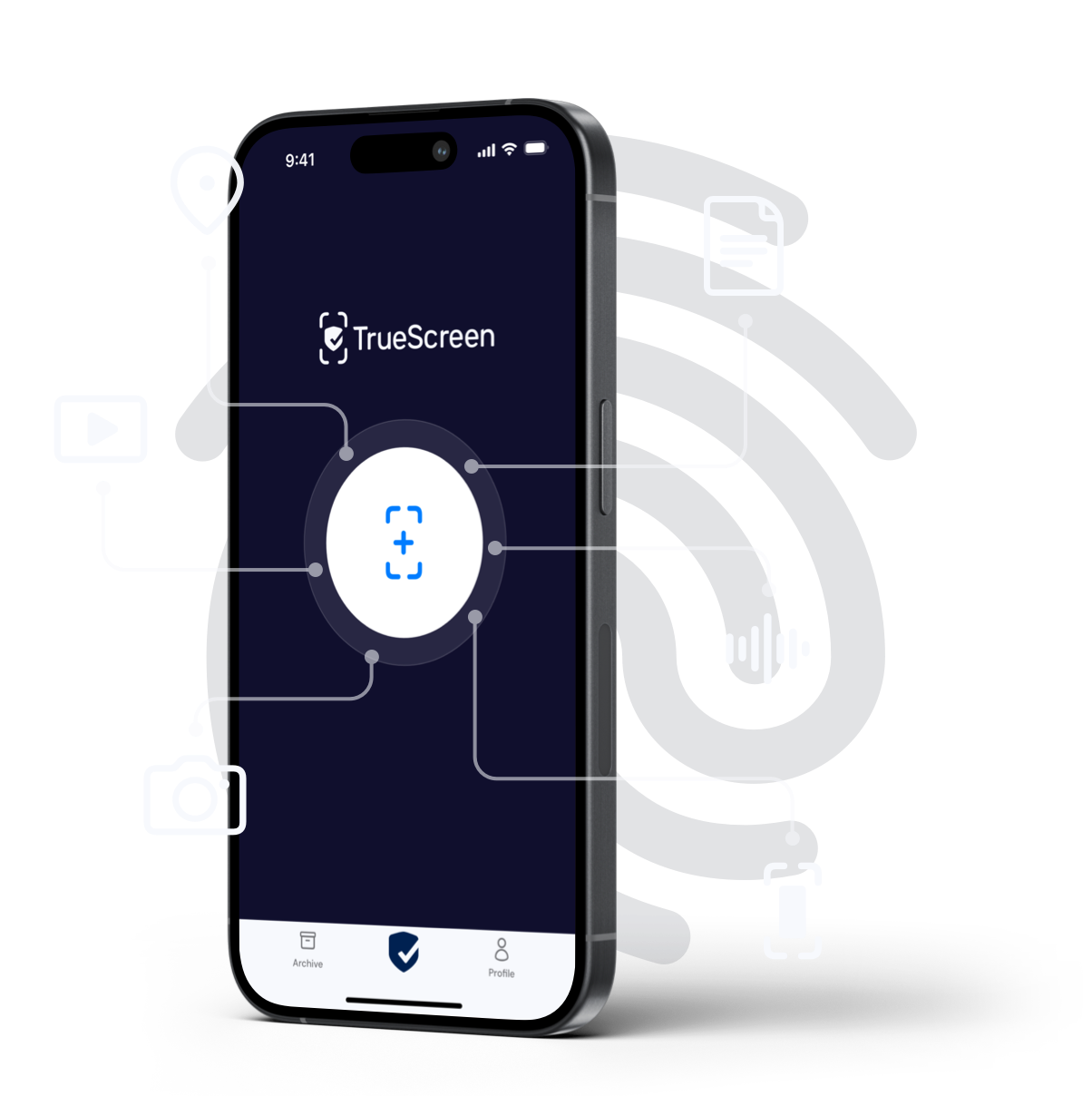
When you need to certify existing files and images on a device, “Share with TrueScreen” lets you attest integrity, metadata, hash fingerprints and time-stamps, generating a shareable forensic report in just a few steps. It is the fastest way to make already available content more defensible as digital evidence, without re-capturing it live.
Note: the attestation reflects the asset’s state at the time of certification, not the moment it was originally created. For creation-time authenticity with the strongest provenance, capture the content directly with the TrueScreen app in real time.
At a glance
- What it does: certifies files and images already stored on the device through a guided forensic process.
- Who it is for: professionals and organizations that need to create and exchange verifiable digital evidence, for example legal teams, insurers, public sector, compliance, risk, operations, customer service, procurement, IT and cybersecurity.
- Outcome: a forensic report with integrity, metadata, hash and time-stamp on a verifiable timeline (anchored to the certification moment).
Why certify files already on the device
Manipulation of digital content and misinformation are rising risks. The World Economic Forum’s Global Risks Report 2024 lists mis- and disinformation among the most pressing threats for the coming years. Source: World Economic Forum, Global Risks Report 2024.
In this context, a fast, standardized certification of already available files improves security, efficiency and compliance. Clear attestation of integrity and provenance supports evidentiary defensibility and accelerates audits, disputes, claims and administrative procedures. It also contributes to digital provenance and data authenticity, so every content is verifiable, traceable and trustworthy by default.
What “Share with TrueScreen” is and when to use it
“Share with TrueScreen” lets you certify content already saved on a device. It is ideal when material has already been acquired and you need a forensic attestation without repeating live capture. Live capture remains the best choice to document events as they happen, and that is exactly what the TrueScreen app enables with guided certifications, namely a real-time acquisition in a controlled environment with technical evidence collection and generation of the forensic report during the event. If you must prove authenticity at the moment of creation, prefer capturing the content with TrueScreen from the start.
How it works: step-by-step to certify an existing file
1) File selection and safe import
Open the file on the device and choose “Share with TrueScreen”. The app imports the content non-invasively, without altering its structure or internal data, and starts an automated, traceable forensic analysis.
2) Metadata, hash and time-stamping
During certification, available metadata are read, cryptographic fingerprints are computed and a time-stamp places the content on a verifiable timeline. These practices help preserve integrity and traceability over time and are designed to support legal and compliance requirements. The EU eIDAS framework governs time-stamps and trust services. Source: EUR-Lex, Regulation (EU) No 910/2014 (eIDAS). The time-stamp anchors existence at the certification moment; it does not retroactively certify the original creation time unless the capture itself was performed through TrueScreen.
3) Forensic report and controlled sharing
At the end, you get a detailed forensic report, ready to be shared with colleagues, counterparties, experts or authorities. Sharing can be filtered by level of detail to ensure confidentiality and information governance. The report makes it easier to verify integrity, provenance and traceability of the file.
Main benefits
- Ease of use and faster operations: “Share with TrueScreen” eliminates unnecessary steps like re-capturing live, reduces manual errors and enables a fast, repeatable flow.
- Standardization and stronger defensibility: a standardized attestation process reduces operational variability and clarifies the digital chain of custody.
- Compliance and governance: certification helps demonstrate controls over integrity, metadata, hashes and time-stamps aligned with recognized European practices, supporting auditability and transparency.
Concrete use cases
Contracts and litigation
A lawyer needs to attach screenshots or photos already stored on a smartphone. With TrueScreen they can certify them in minutes, preserving available metadata and producing integrity fingerprints that aid verification.
Insurance claims handling
An adjuster receives photos from a customer taken before the claim was opened. Certification helps attest date and provenance, reducing disputes and speeding up decisions. This approach aligns with digitalization and efficiency priorities highlighted in IVASS Annual Report 2024.
Public sector procedures
An administrative office must validate files or photos received digitally. With TrueScreen they can generate verifiable attestations and a complete documentary trail that supports transparency and regulatory compliance.
FAQ: frequently asked questions about Share with TrueScreen
Quick answers about certifying files and images already stored on a device using “Share with TrueScreen”.
What is the difference from real-time capture?
“Share with TrueScreen” is for content already on the device. It avoids re-capturing and creates a verifiable attestation of the existing file. Real-time capture is ideal to document an event as it happens, and the TrueScreen app supports it with guided certifications that acquire content in a controlled environment and generate the forensic report during the event.
Does it prove authenticity at the time of creation?
The attestation records integrity, metadata, hashes and a time-stamp at the time of certification. It does not retroactively certify the moment the content was originally created. If you need creation-time authenticity and provenance, capture the content directly with the TrueScreen app in real time.
Which file types are supported and what is attested?
Common professional image and document formats are supported. Certification focuses on integrity, available metadata, cryptographic hashes and time-stamping. Supported formats may evolve. Test the file types your organization uses most.
What if the file has already been modified?
The attestation records the state of the file at certification time. If it was modified earlier, the cryptographic fingerprint will reflect that. It is good practice to retain the original version where available.
Does it work offline?
You can start the operation and sync the attestation when connectivity is restored. Some steps require a connection to register the attestation in a verifiable repository and to enable controlled sharing.
Can I share the report with third parties?
Yes. The report is designed to be understood by both technical and non-technical recipients. Share only what is necessary and keep track of recipients.
Certify existing files now
TrueScreen is a Data Authenticity Platform that enables organizations and professionals to protect, verify and certify the origin, history and integrity of digital content already on devices, turning it into verifiable evidence ready for collaboration.